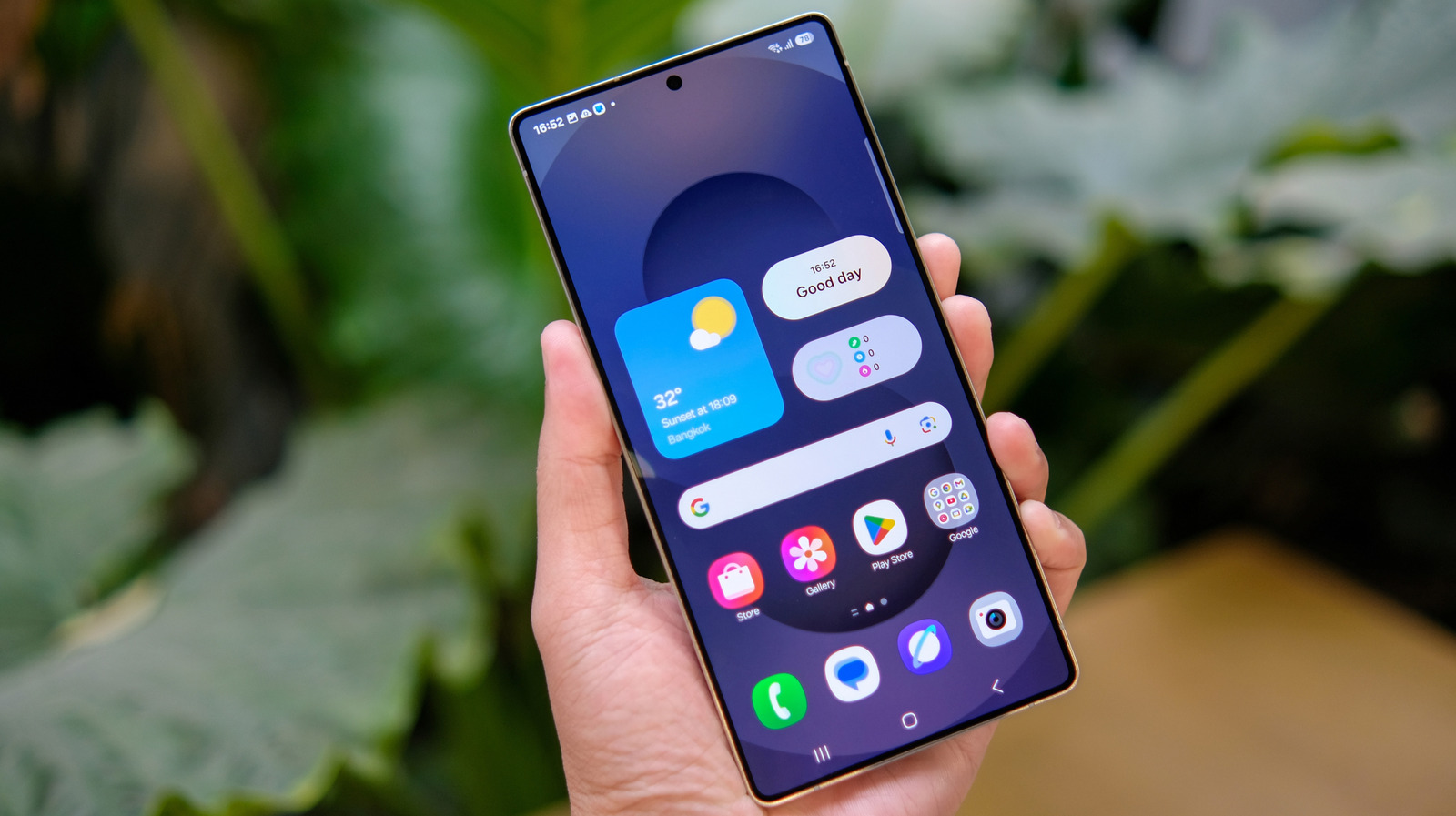
Android users occasionally encounter a frustrating situation where app icons on their home screen refuse to move or be reorganized. A recent guide breaks down the most frequent causes behind this stubborn issue and how to resolve it quickly.
In many instances, the problem is not a hardware defect or a severe system crash, but rather an intentional software setting. Features such as a locked home screen layout are often enabled by default or accidentally turned on, preventing any accidental shifting or deletion of icons.
Beyond layout locks, other common culprits can include temporary software glitches, touch sensitivity problems, or conflicts caused by third-party custom launchers. Typical solutions involve toggling layout settings, restarting the smartphone, or clearing the system launcher's app cache to restore standard touch behavior.
For a full step-by-step walkthrough and additional troubleshooting tips, check the original coverage on Engadget.