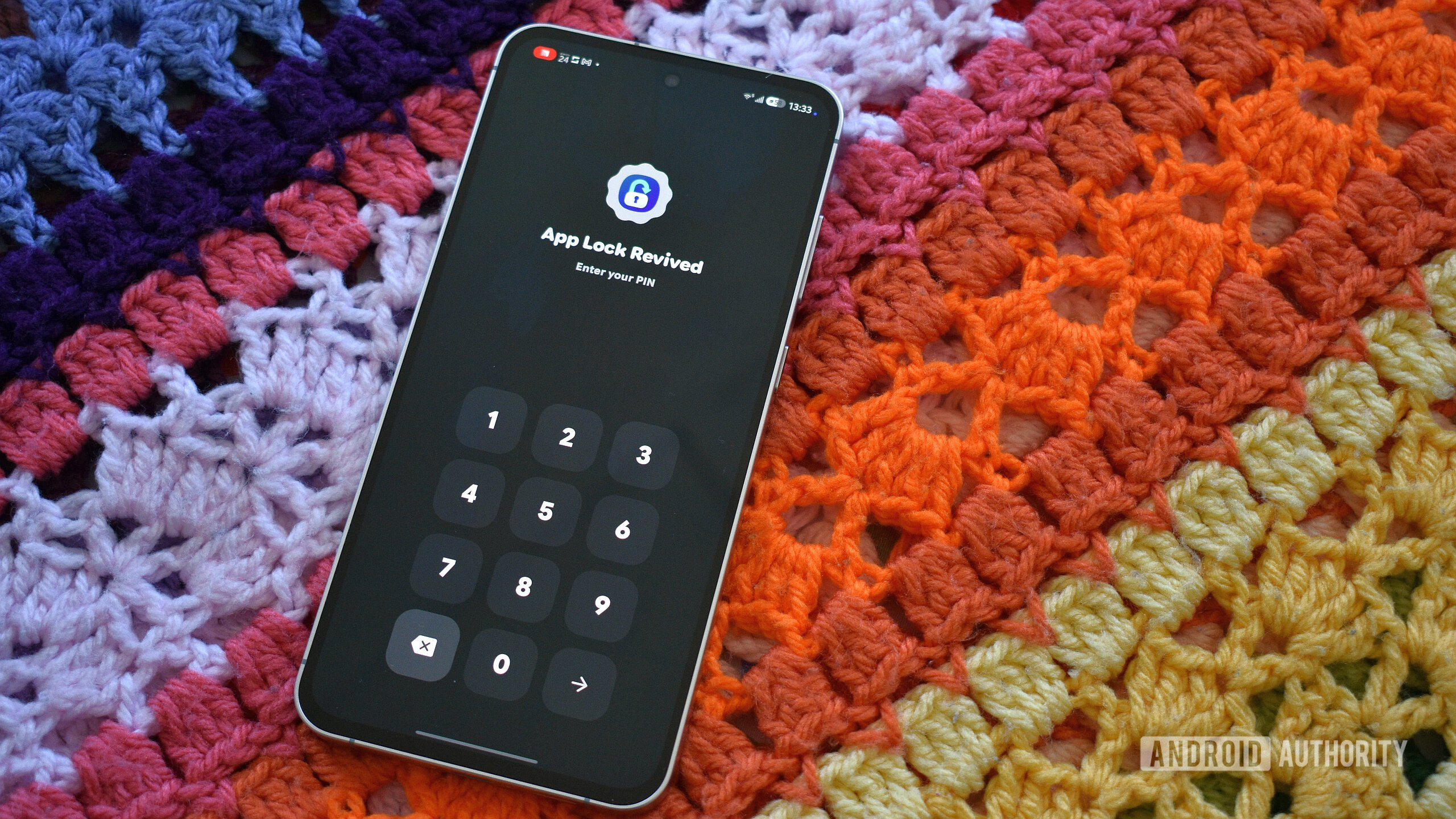
Securing personal data on smartphones is more important than ever, and locking individual applications adds a crucial extra layer of privacy. A recent guide breaks down the different methods Android users can use to implement an app lock on their devices today.
While stock Android does not always include a universal, system-wide app lock toggle, several device manufacturers incorporate native privacy tools directly into their software skins. These features enable users to protect specific applications using fingerprint scans, facial recognition, PINs, or patterns.
For handsets that lack a built-in locking utility, users can still secure their private messages, banking tools, and sensitive content through trusted third-party applications and existing security settings.
For the complete, step-by-step instructions on how to configure app locking for your specific setup, check the original source at Android Authority.