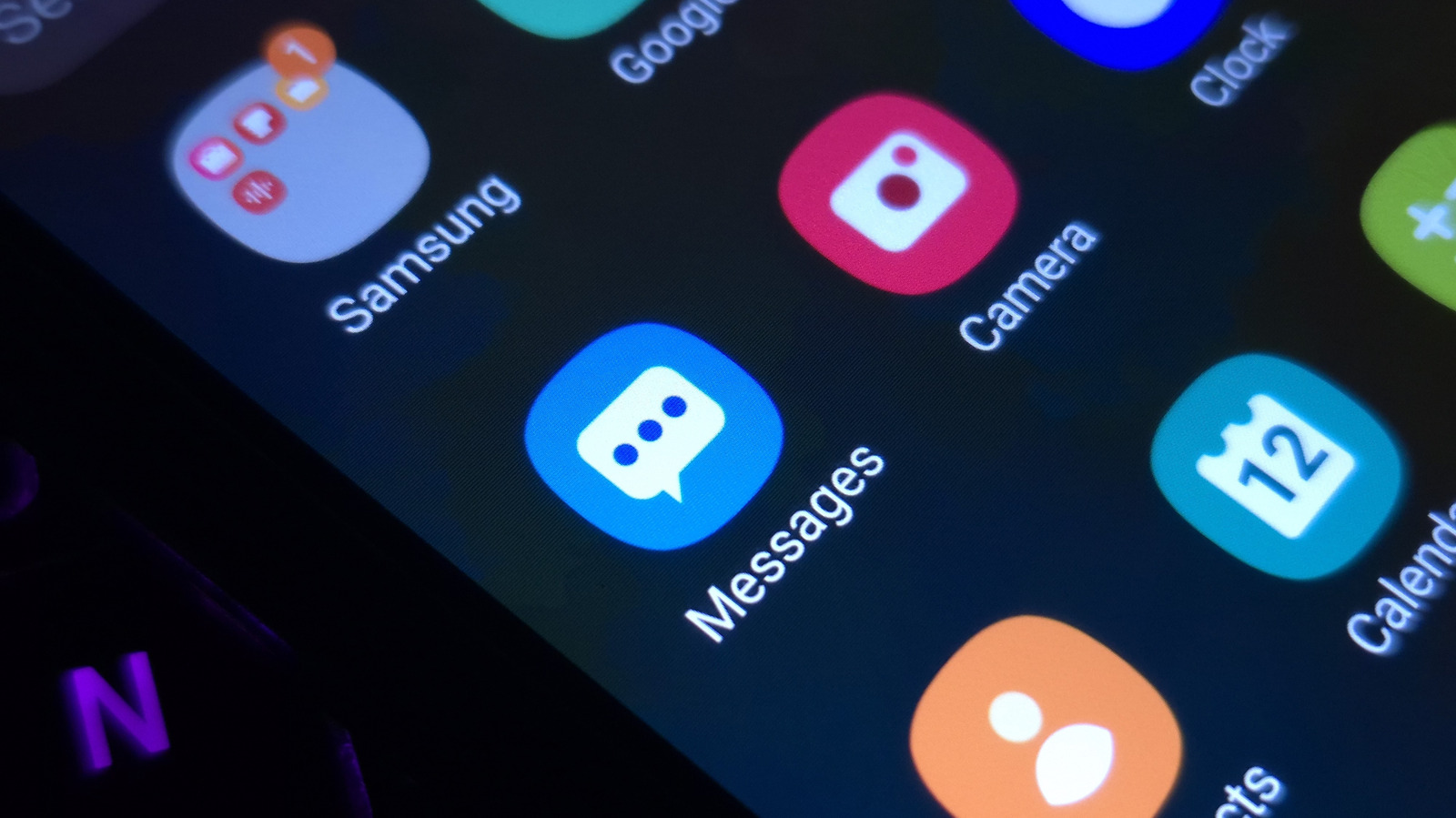
Samsung's One UI interface offers extensive personalization features, allowing Galaxy smartphone owners to easily tweak the appearance of their devices. One of the most popular ways to give a phone a fresh aesthetic is by changing the default app icons on the home and app screens.
Users can modify their icons natively through the Galaxy Themes store, which provides a wide selection of both free and paid icon packs. Applying a new pack updates the look of system applications and supported third-party apps to match a desired color palette or design style.
For even deeper customization, Galaxy owners can take advantage of Samsung's Good Lock suite or third-party launchers, which grant granular control over icon sizing, labels, and individual shortcuts.
For step-by-step instructions and recommendations, check Engadget for full details.