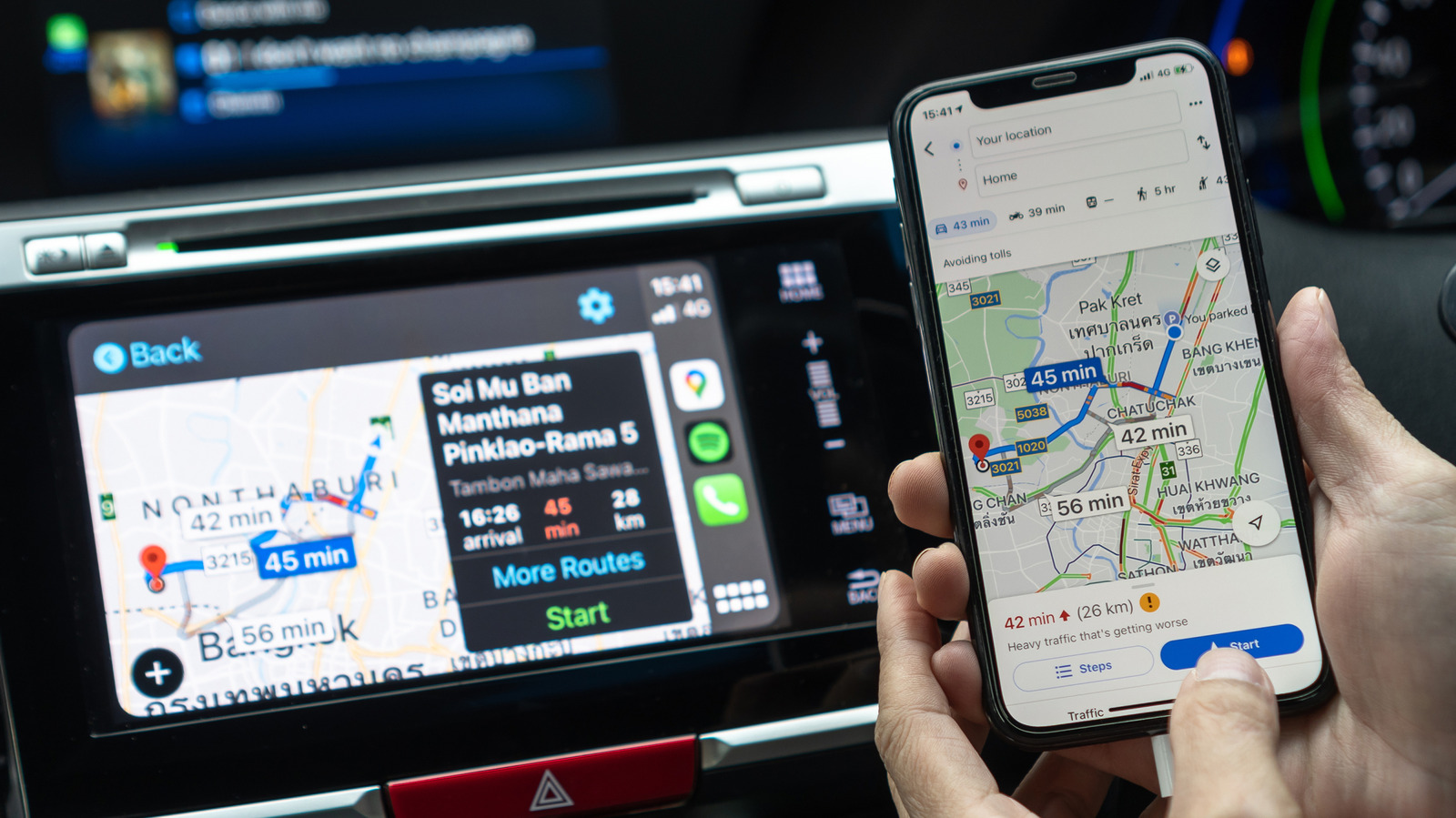
Many drivers prefer using Google Maps over Apple Maps due to its robust routing algorithms, live traffic data, and extensive database of local destinations. While Apple CarPlay fully supports third-party navigation apps, getting the smoothest experience often requires adjusting a few settings.
Optimizing your drive typically involves fine-tuning audio prompts, managing offline map downloads to prevent dropouts in weak signal areas, and organizing your iPhone's permissions. Ensuring that location access and background app refresh are properly configured can dramatically improve responsiveness on your vehicle's dashboard display.
By taking a few moments to customize how Google Maps behaves inside CarPlay, motorists can enjoy a more seamless, distraction-free navigation experience without giving up their favorite mapping service.
Check the original report on Engadget for full details and step-by-step instructions.



