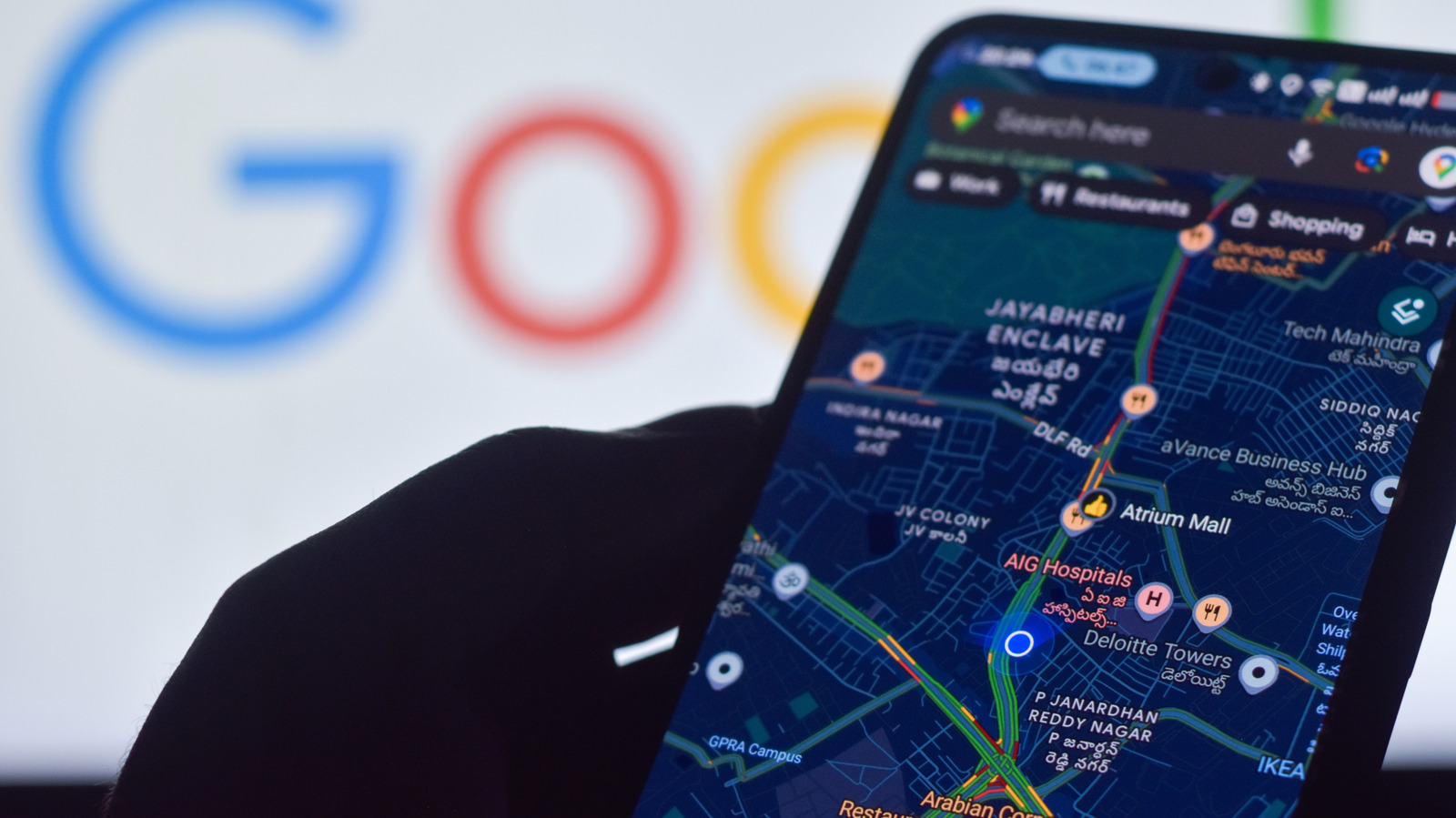
Smartphones rely heavily on precise location data for everything from daily navigation and ride-sharing services to fitness tracking. To ensure devices provide the most dependable positioning possible, Engadget has shared a practical guide detailing how Android users can fine-tune their location settings.
Android operating systems include built-in features designed to refine location tracking beyond standard satellite signals. Users can often enhance positioning by turning on Google Location Accuracy, an option that combines GPS with nearby Wi-Fi networks, mobile cell towers, and onboard device sensors to deliver quicker and more precise readings.
Additional adjustments, such as calibrating the phone's internal compass and reviewing location permissions for specific mapping apps, can also resolve persistent drift or erratic tracking issues. These simple troubleshooting steps help maintain a stable fix even in challenging environments like dense urban corridors.
For the complete step-by-step walkthrough, check the original coverage on Engadget.