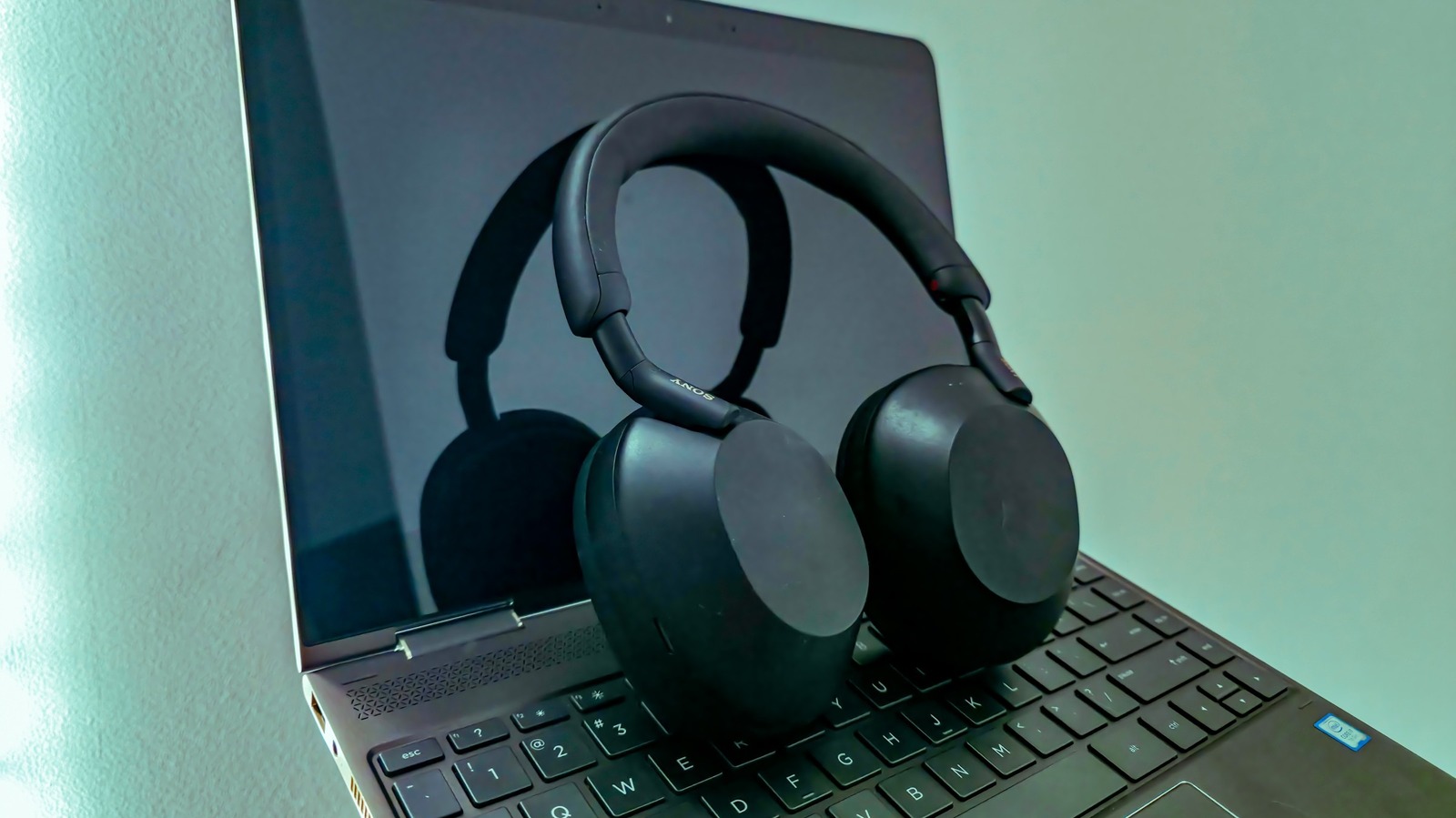
Connecting wireless audio gear across different platforms is a common task for users switching between mobile devices and personal computers. Engadget has shared a step-by-step walkthrough covering the setup process for linking Bluetooth headphones directly to a Windows PC.
The process typically involves putting the headphones into pairing mode and accessing the Windows settings menu. From there, users need to ensure their computer's Bluetooth is toggled on, initiate a search for new devices, and select their audio gear from the list to finalize the connection.
Establishing a reliable wireless connection helps streamline daily workflows, whether for voice calls, media streaming, or remote work. Taking the time to properly configure these settings ensures clear audio output and minimizes common connection dropouts.
For the full walkthrough and troubleshooting advice, check the original guide on Engadget.