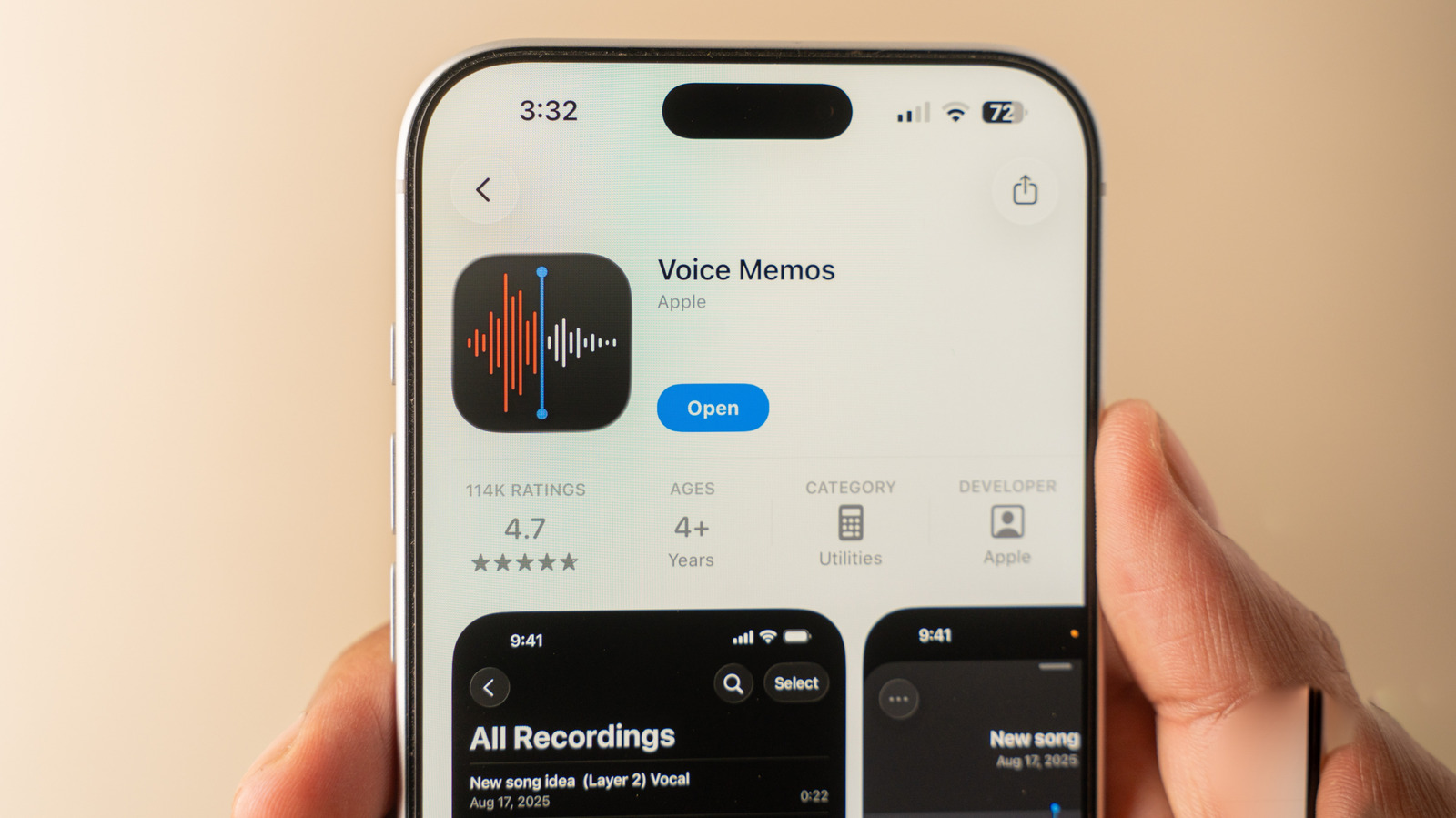
Capturing audio on an iPhone is a routine task for many users, whether recording voice notes, interviews, lectures, or ambient sound. A recent walkthrough from Engadget highlights the most effective ways iOS users can capture audio directly from their devices.
The most straightforward approach relies on Apple's built-in Voice Memos app, which comes pre-installed across the iPhone lineup. The guide covers the essentials of starting, pausing, and organizing recordings, as well as basic editing features like trimming clips and enhancing voice clarity.
For more advanced use cases, the piece also explores alternative solutions, such as leveraging the built-in screen recording tool to capture system audio, alongside third-party applications available on the App Store designed for multitrack recording or professional podcasting.
For the complete step-by-step instructions and practical tips, be sure to check the original guide on Engadget.



