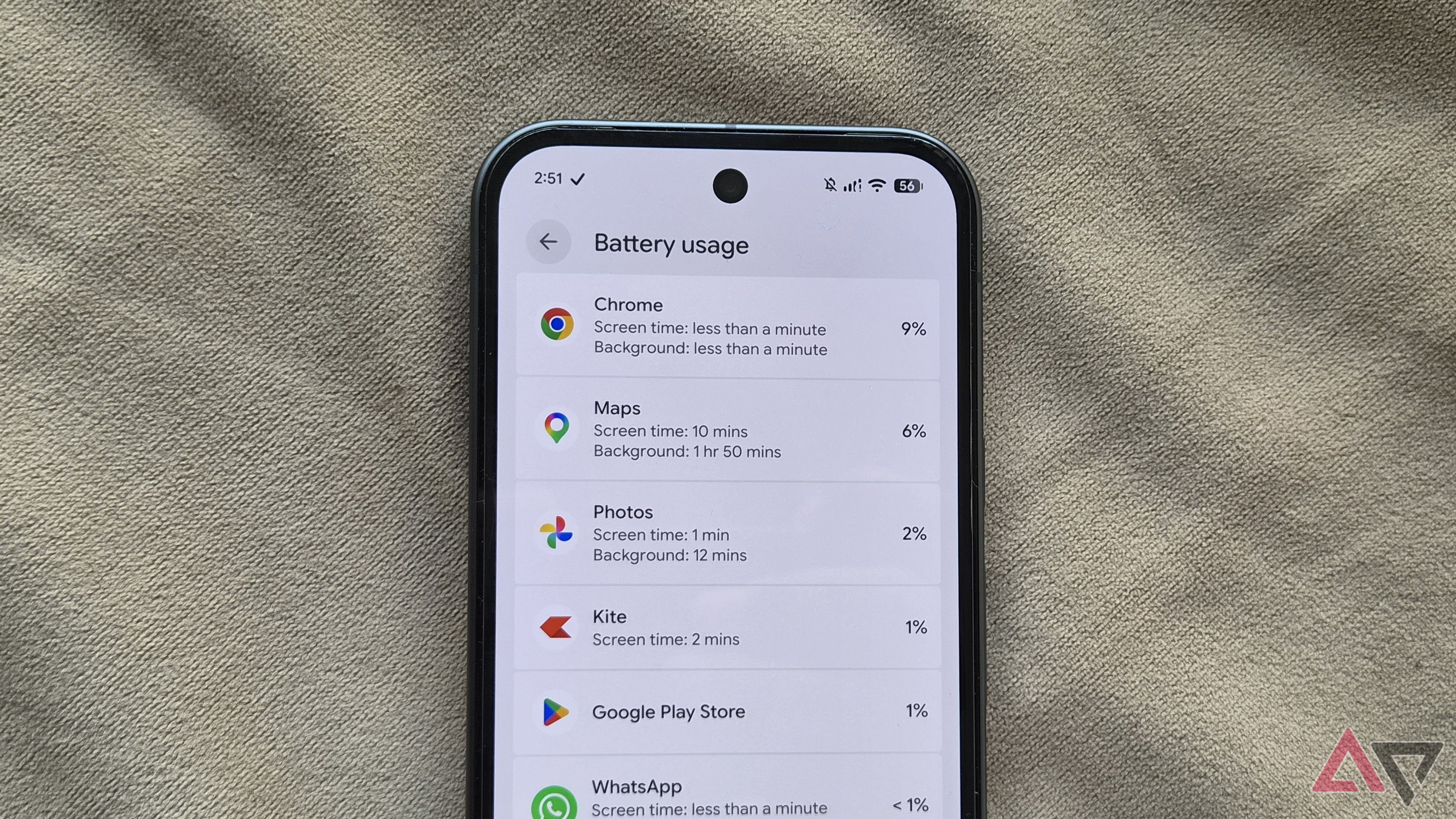
Navigation apps remain among the most power-hungry utilities on mobile devices, and Google Maps is often a primary contributor to battery drain. Continuous GPS tracking, network data transfers, and prolonged display usage can quickly deplete an Android smartphone's charge during daily travel.
To help preserve endurance, users can adjust several core settings within the app and the operating system. Effective strategies typically include enabling dark theme to save power on OLED screens, downloading offline maps to reduce cellular radio activity, and limiting the app's access to background location when navigation is not actively needed.
Taking advantage of Android's system-level battery optimization tools can also prevent Google Maps from consuming unnecessary resources in the background, ensuring you maintain sufficient battery life throughout the day.
For a complete step-by-step walkthrough on optimizing these settings, check the original guide on Android Police.