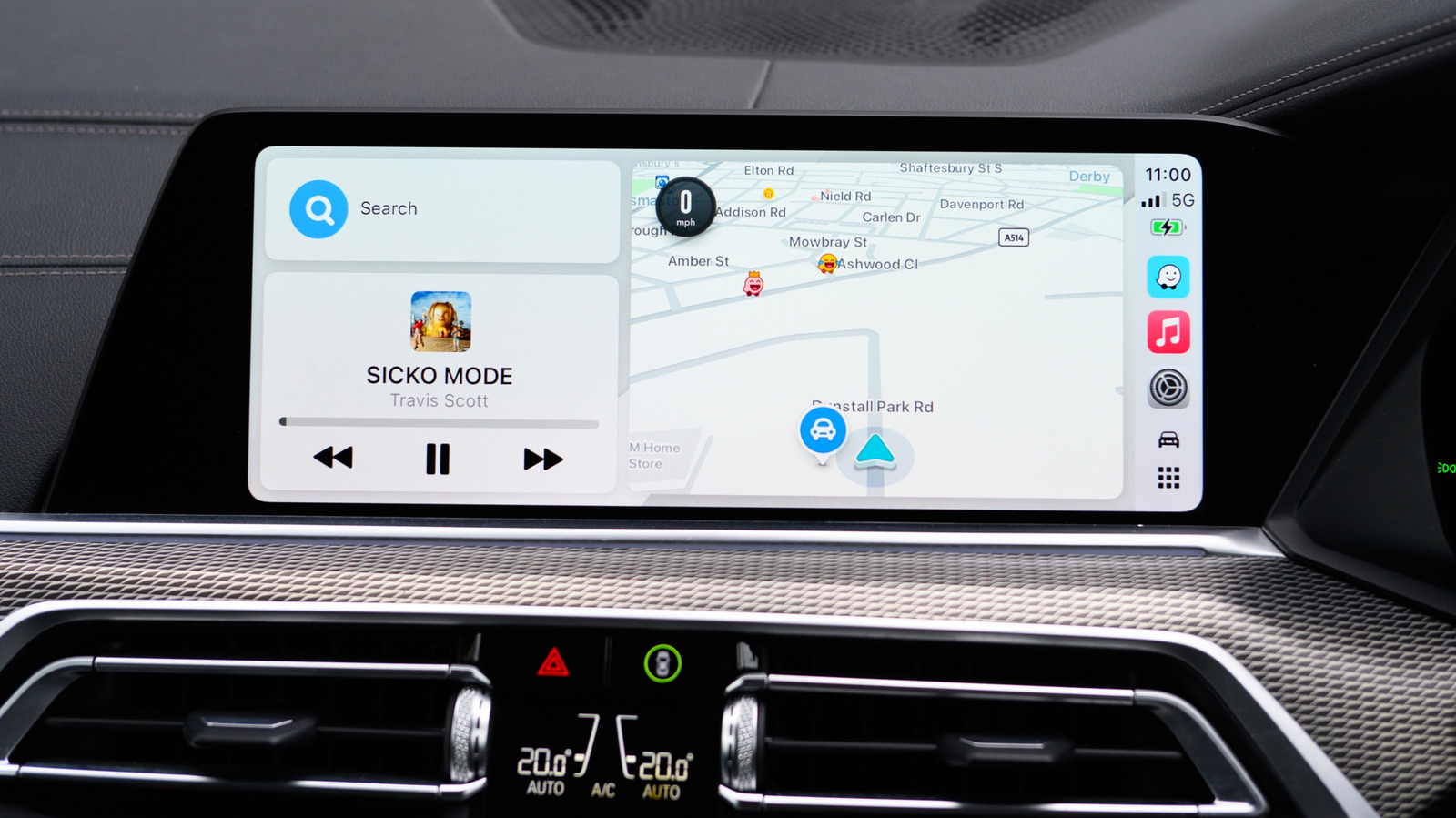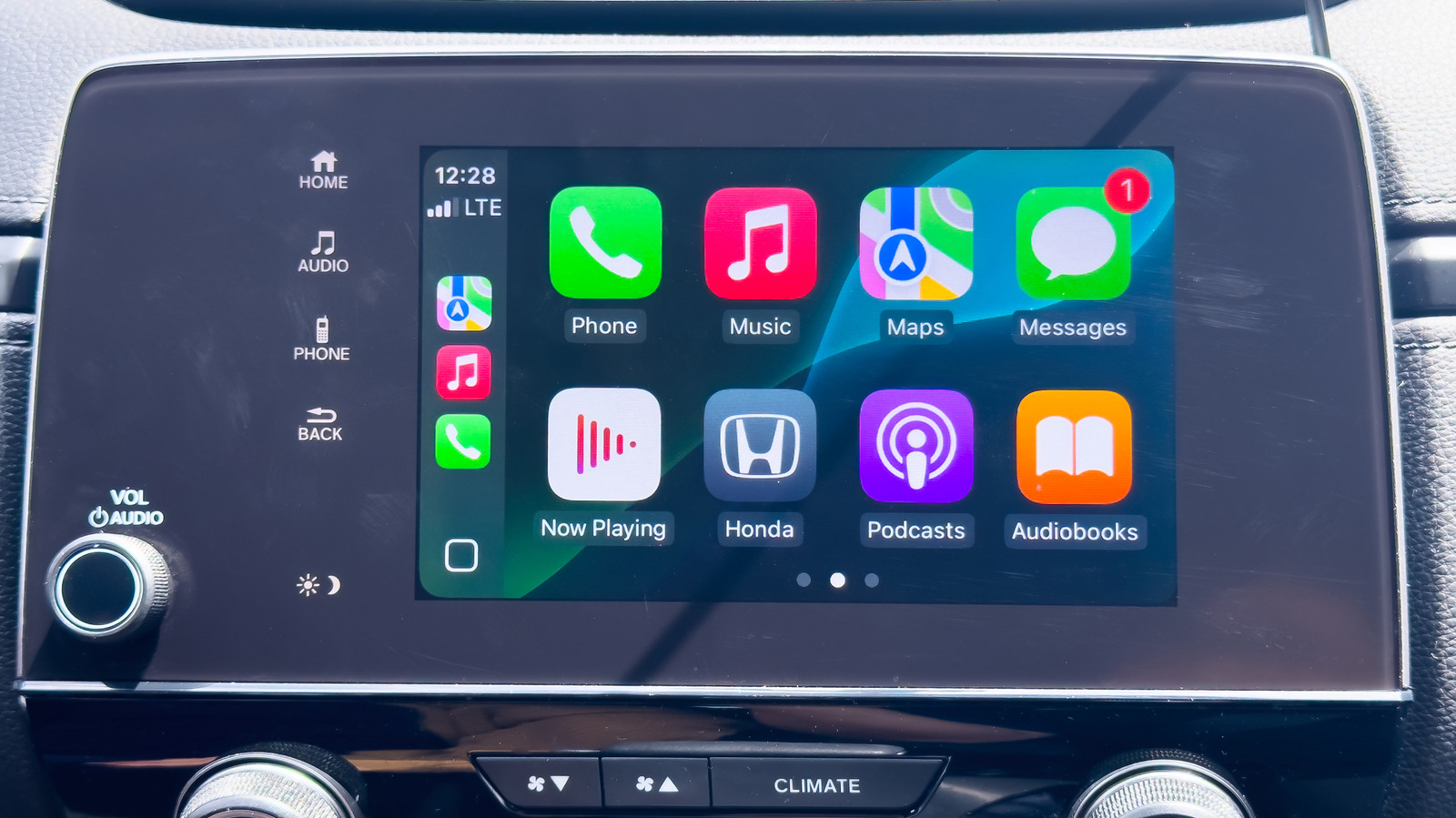
Apple CarPlay has become a staple for drivers who rely on their iPhones for navigation, media playback, and hands-free messaging on the road. Despite its widespread adoption across the automotive industry, determining whether a specific vehicle model includes native support can sometimes be confusing.
To check for compatibility, drivers can start by inspecting their vehicle's infotainment screen for a dedicated CarPlay or smartphone integration icon. Another practical method is connecting an iPhone to the car's primary USB data port with a Lightning or USB-C cable to see if an automatic connection prompt appears on the dashboard display.
Vehicle owners can also verify functionality by checking their owner's manual or consulting Apple's official online directory of supported models. The extensive list covers hundreds of manufacturer releases as well as compatible aftermarket head units.
For the complete step-by-step guide and troubleshooting advice, check out the original coverage on Engadget.