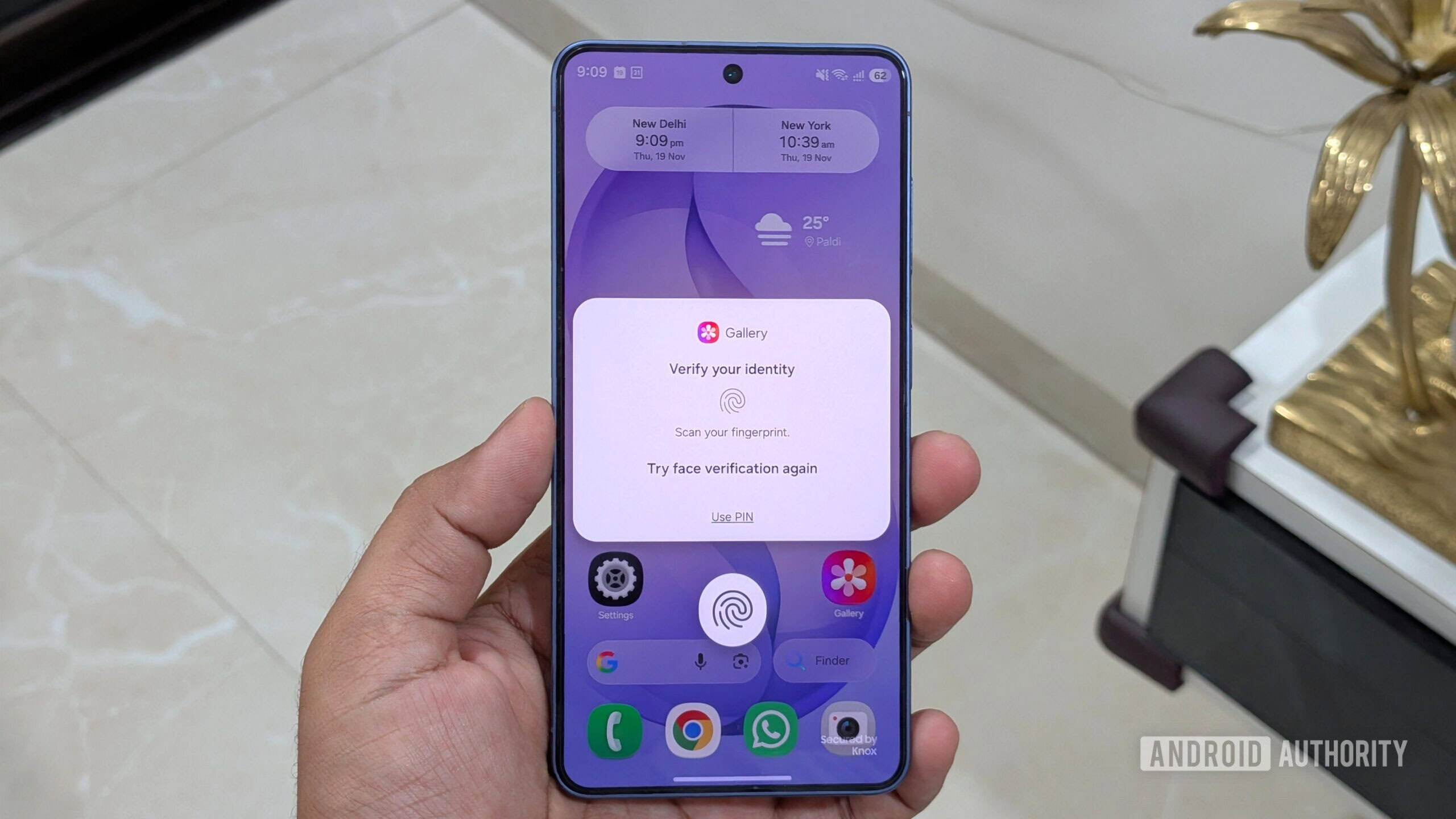
Samsung users exploring the latest One UI 9.5 software now have access to a dedicated App Lock feature. This addition offers a streamlined method for locking down individual applications on Galaxy devices, providing a straightforward layer of privacy for sensitive everyday apps.
While App Lock provides a fast barrier to prevent unauthorized access to specific apps, it functions differently from Samsung's established Secure Folder. Choosing the right tool depends largely on the level of isolation and security required for your data.
Secure Folder remains the superior choice for users needing an isolated, encrypted sandbox to store duplicate app instances, private media, and sensitive accounts. Meanwhile, App Lock serves as a lighter, more convenient gatekeeper for standard apps installed on the main device interface.
For a full step-by-step guide on setting up the feature and comparing your options, check the original source at Android Authority for full details.