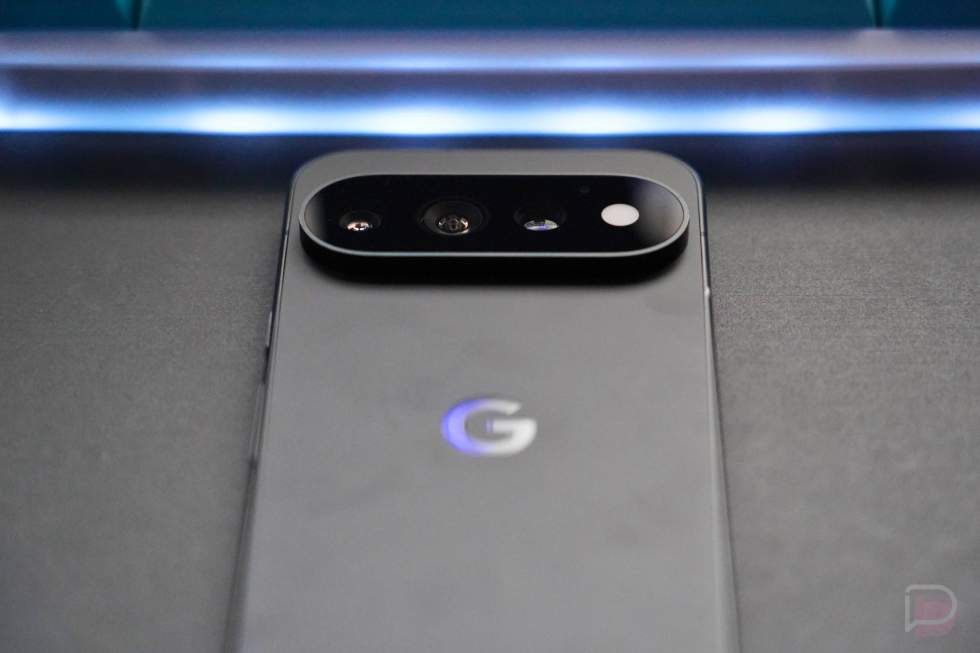
Customizing a new smartphone right out of the box is key to unlocking its full capabilities. In a recent guide, Droid Life shared four specific settings users should activate on the Pixel 11 Pro to optimize their daily mobile experience.
Flagship Android devices frequently arrive with versatile software toggles covering everything from display controls and battery management to enhanced privacy and usability features. Adjusting these core options early on helps streamline workflow and prevent common performance or battery frustrations.
While default configurations offer a solid baseline for the average user, taking a few minutes to dive into system preferences can yield noticeable quality-of-life improvements. Tailoring key features ensures the device adapts to your personal usage habits.
For the full list of recommended settings and step-by-step instructions, be sure to check the original article on Droid Life.