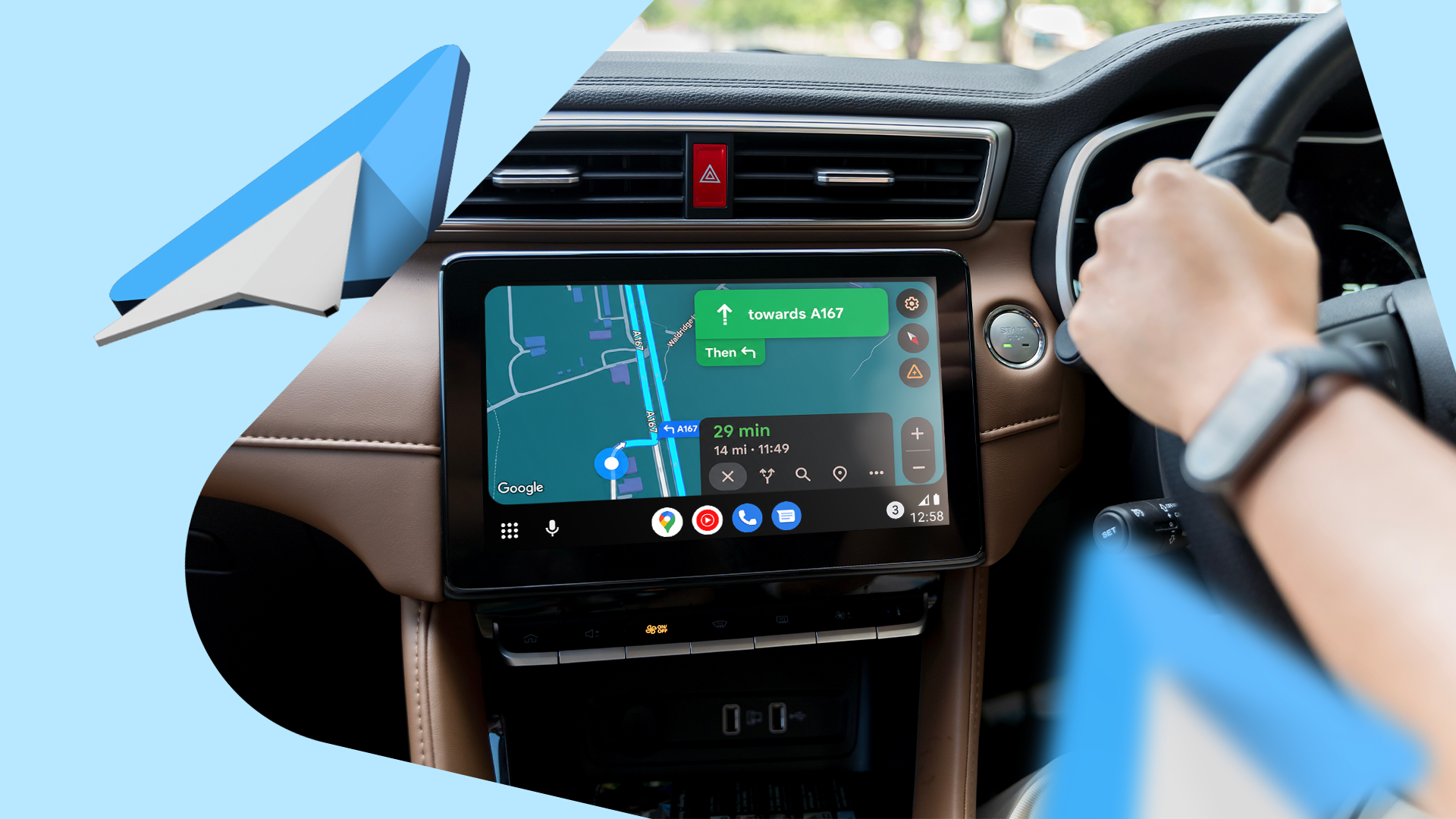
Wireless Android Auto offers the convenience of untethered smartphone integration, but unexpected disconnections while driving remain a persistent headache for many users. Sudden signal drops can disrupt navigation routes, music streaming, and hands-free calls right when drivers need them most.
To tackle this ongoing frustration, Android Police detailed several effective troubleshooting methods that helped restore a stable, uninterrupted connection. While car head units and phone hardware differ widely across manufacturers, persistent dropouts are often caused by common network conflicts, aggressive power-saving features, or basic configuration glitches.
Effective remedies typically involve fine-tuning Wi-Fi and Bluetooth settings, disabling battery optimization restrictions for the Android Auto app, and keeping system software updated on both the smartphone and the car's infotainment receiver. Making these adjustments can significantly minimize wireless interference and keep your phone reliably connected on the road.
For the complete breakdown of troubleshooting steps, check the original report on Android Police.


