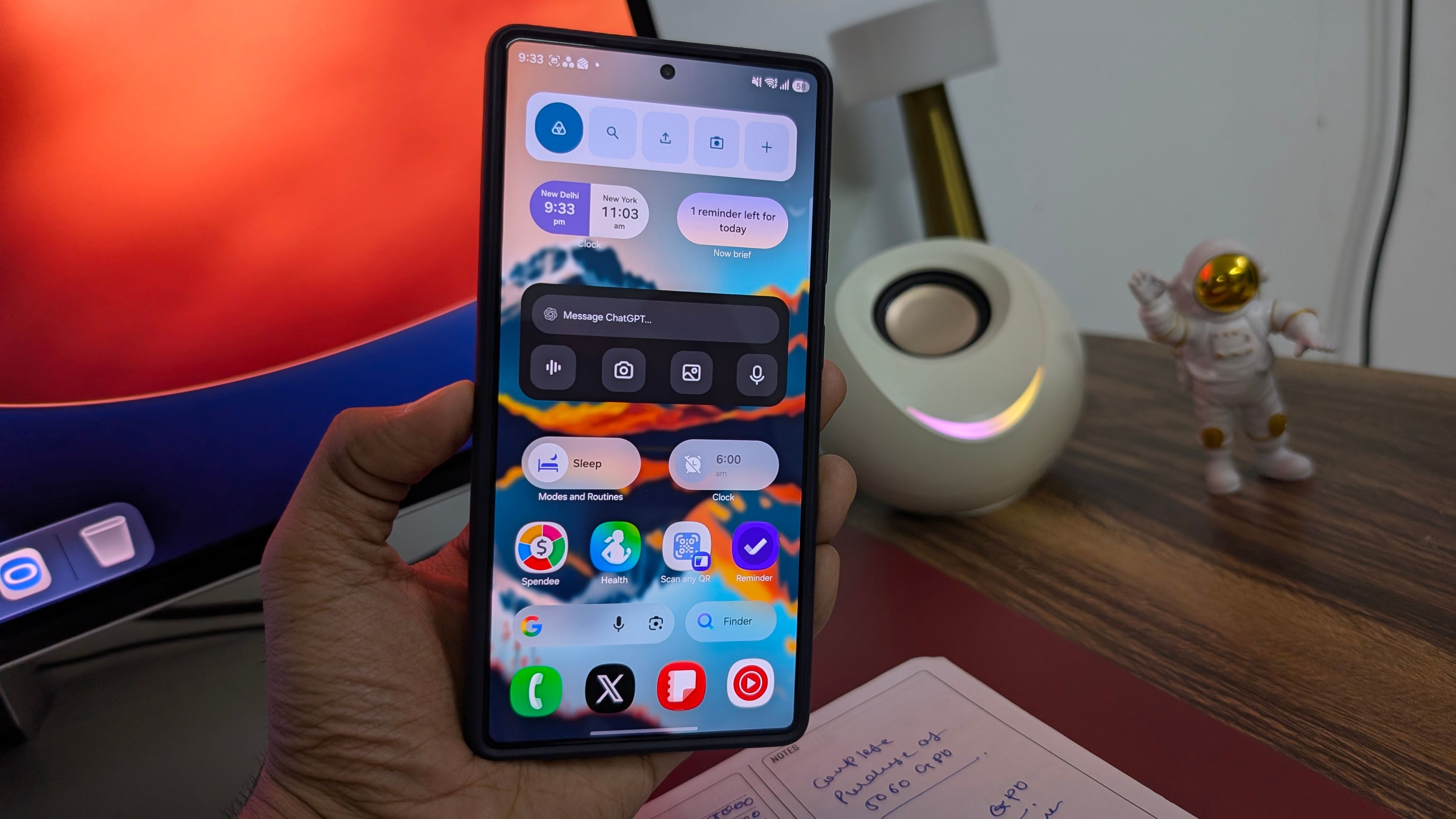
While OpenAI’s ChatGPT has become an essential tool for many smartphone users, standard out-of-the-box configurations might not offer the most efficient day-to-day experience. A recent report from Android Police explores how refining your Android setup can dramatically improve how seamlessly you interact with the popular AI assistant.
The focus centers on optimizing ChatGPT's mobile workflow, taking advantage of Android's system flexibility. By adjusting quick-access shortcuts, voice features, and interface options, users can reduce friction rather than simply opening the app manually every time they need assistance.
As artificial intelligence becomes increasingly central to mobile productivity, finding the right balance of settings is essential for getting the most out of these platforms without disrupting daily device use.
For the complete step-by-step setup and recommendations, be sure to check out the original guide on Android Police.