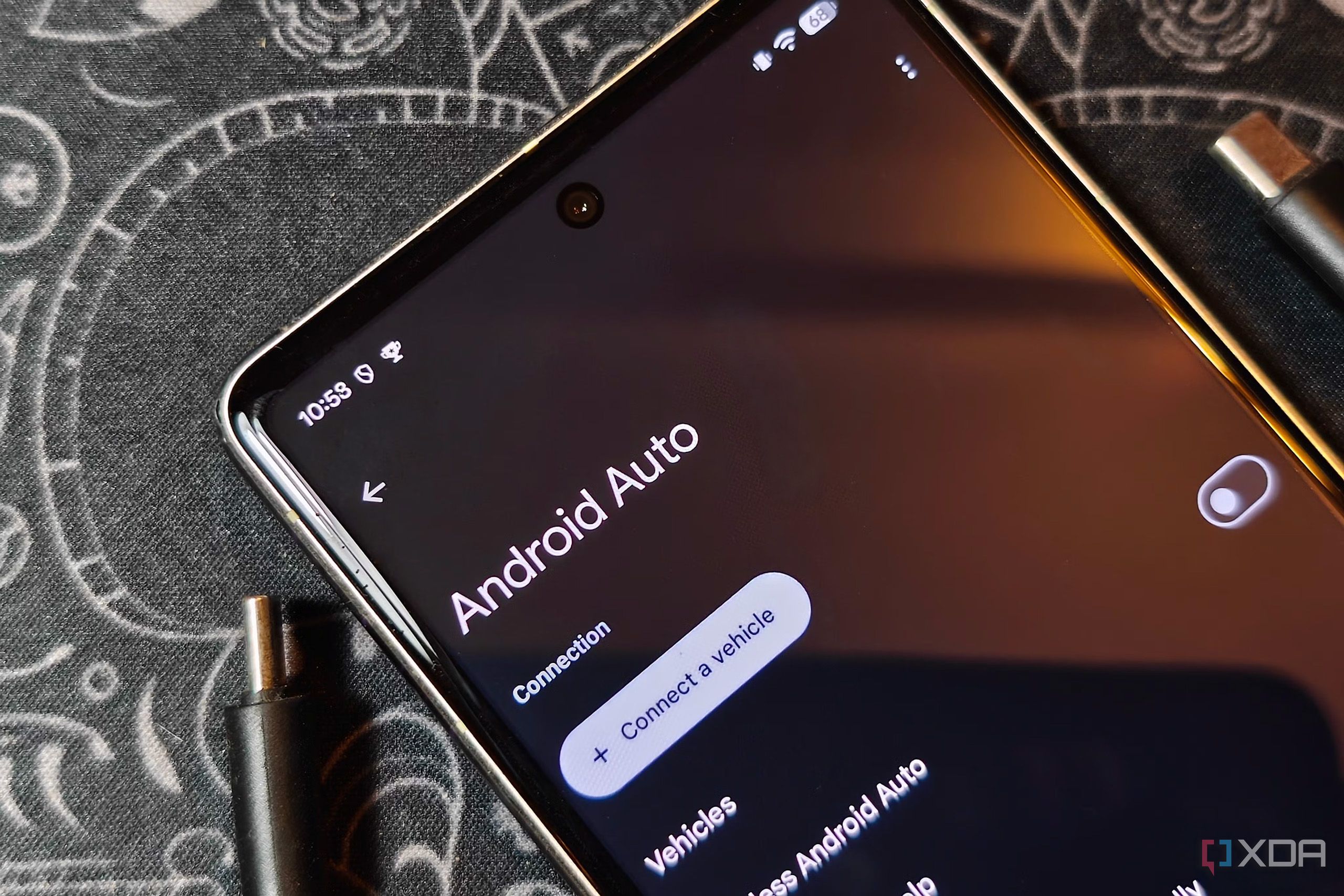
Android Auto provides a seamless way to project navigation, calls, and media onto in-car displays, but performance on older head units can sometimes suffer from frustrating lag and freezes. Fortunately, a simple workaround can help restore stability without upgrading your hardware.
According to a report from XDA Developers, modifying a hidden resolution setting accessible through Android Auto's developer menu can eliminate persistent freezing problems. Lowering the output resolution reduces the processing overhead on older infotainment hardware, allowing the system to handle the stream smoothly.
This adjustment is especially useful for older vehicles that struggle with the higher-resolution data sent by modern smartphones. While lowering the resolution may result in a slight dip in visual sharpness, the trade-off yields a much more reliable and responsive user experience.
For full details and step-by-step instructions on accessing these settings, be sure to check the original post on XDA Developers.