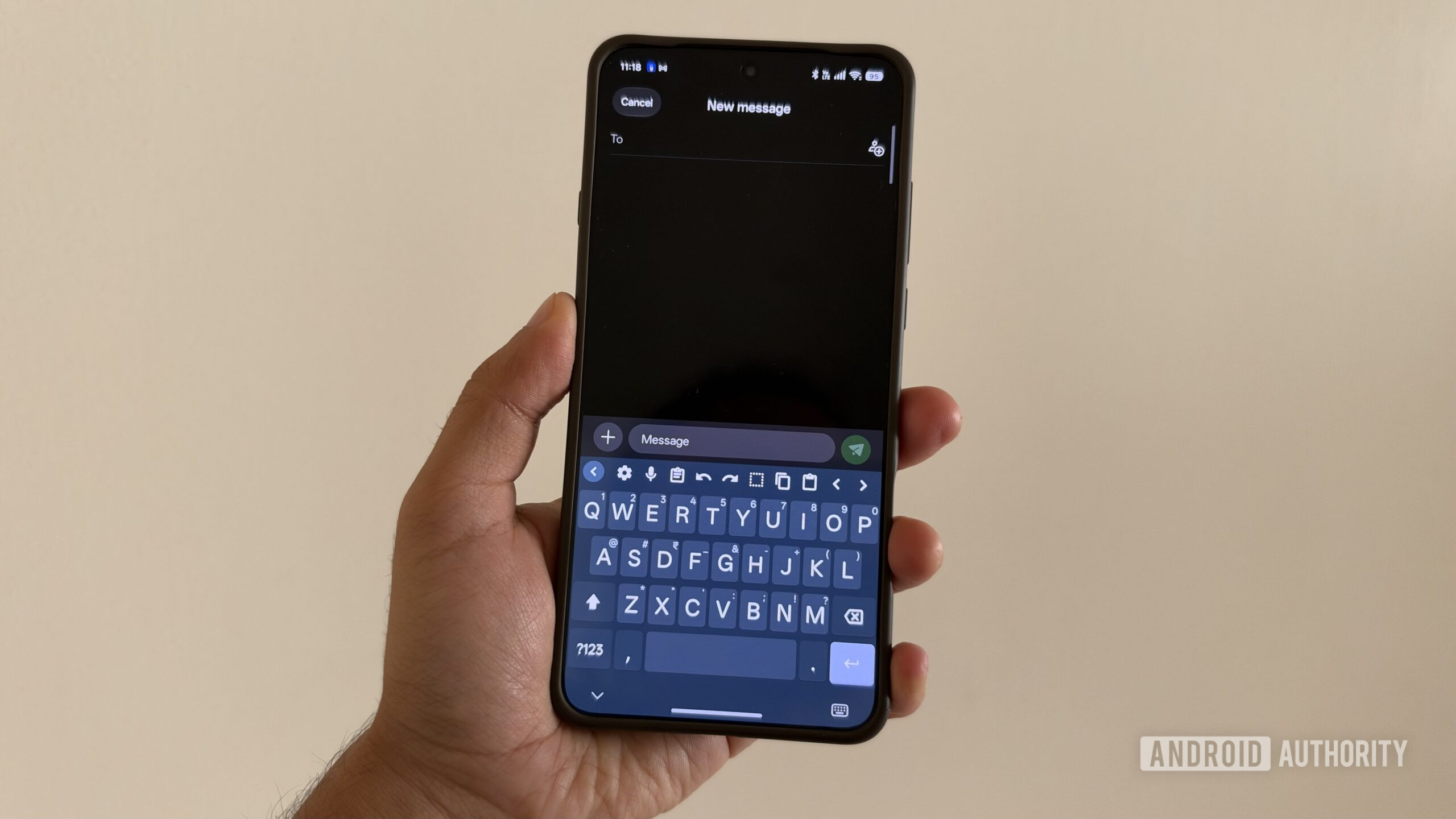
Android users looking for an alternative typing experience may find that one of the top keyboard options is not available through the official Google Play Store. Enthusiasts and privacy-focused users frequently look beyond Google's marketplace to discover powerful, independent tools that cater to specialized mobile needs.
Installing software from outside the traditional app store typically involves sideloading through standalone APK downloads or third-party repositories. While this process requires users to grant specific installation permissions and exercise standard security precautions, it unlocks access to independent software free from standard storefront restrictions.
These alternative keyboards often prioritize local data processing, extensive layout customization, and open-source transparency over cloud-driven features found in mainstream defaults. For those willing to take a few extra setup steps, venturing outside official channels can offer a remarkably tailored typing workflow.
For the complete step-by-step installation walkthrough and app details, be sure to check the original coverage on Android Authority.