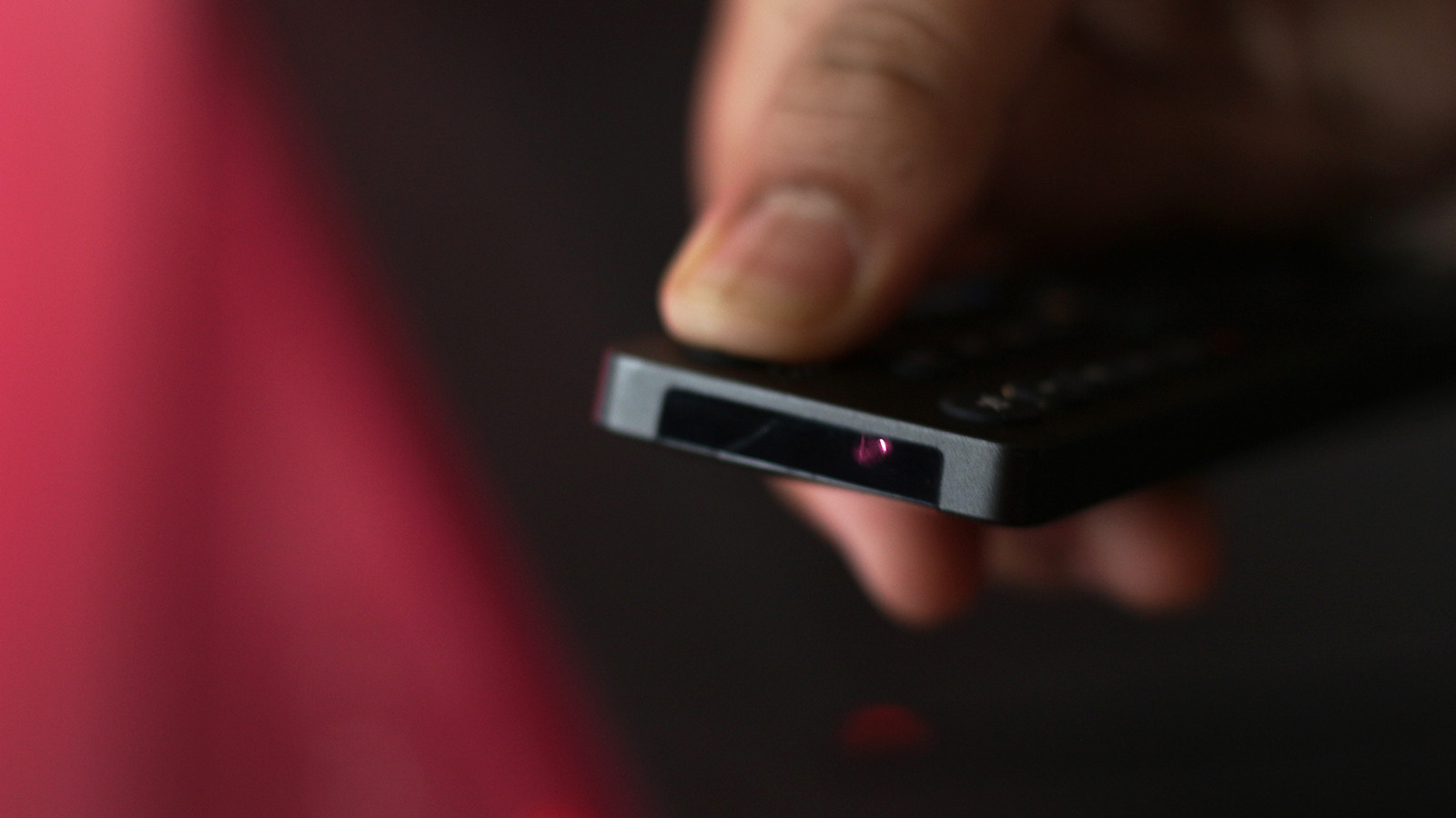
Smartphones are packed with advanced hardware, but sometimes their most convenient features come from simple, lesser-known practical tricks. One handy utility involves using your device's digital camera to troubleshoot television and media remote controls.
Most traditional remote controls communicate with electronics using infrared (IR) light signals, which are invisible to the naked human eye. However, many digital camera sensors on modern smartphones are capable of detecting these infrared wavelengths. By opening the camera app, aiming the front of the remote directly at the lens, and pressing any button, users can typically see the IR emitter light up or pulse on the display.
If a light appears on your screen, the remote is sending a signal, confirming that the batteries are working. If no light is visible after testing multiple buttons, it usually indicates that the batteries are drained or the remote has suffered internal damage, offering a quick diagnostic before you buy replacements.
For the complete guide and additional tips on using this method, check the original report on Engadget.


