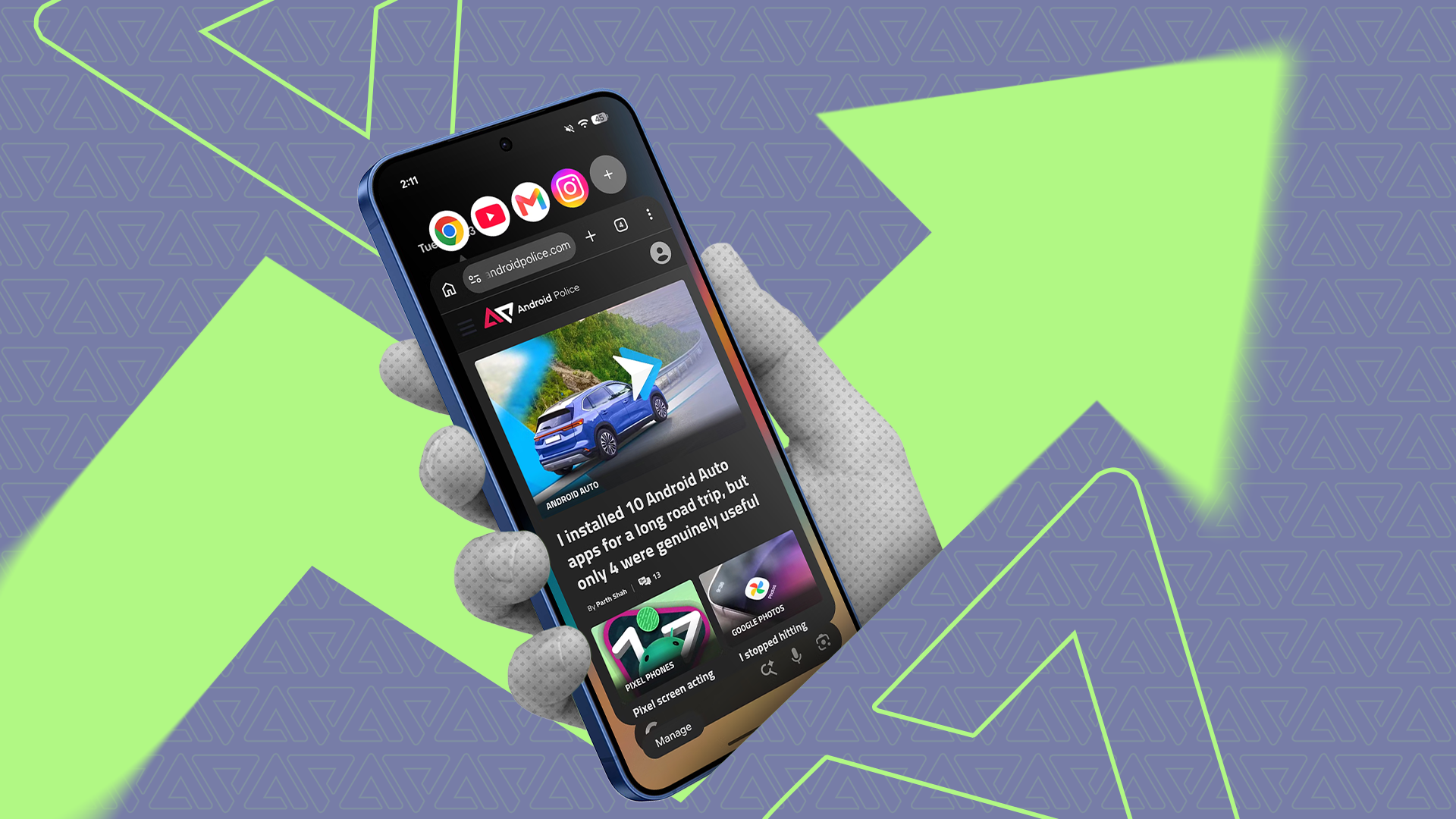
Modern smartphones pack immense computing power, yet many users only scratch the surface of their productivity capabilities. In a recent guide, Android Police explored how taking advantage of built-in mobile multitasking features can turn a standard handheld device into an effective tool for getting work done.
Android operating systems have evolved to offer multiple tools specifically aimed at juggling different workflows. Core capabilities such as split-screen views, floating app windows, and app pairing allow users to cross-reference documents, monitor live communications, and take notes simultaneously without constantly switching back and forth between full-screen apps.
Beyond basic dual-window setups, features like customizable gestures, system clipboard managers, and peripheral support help bridge the gap between phones and traditional computing setups. By tailoring these native tools to their daily routines, users can streamline complex tasks and maximize efficiency on the go.
For the complete guide and in-depth walkthrough of these productivity features, check the original reporting on Android Police.