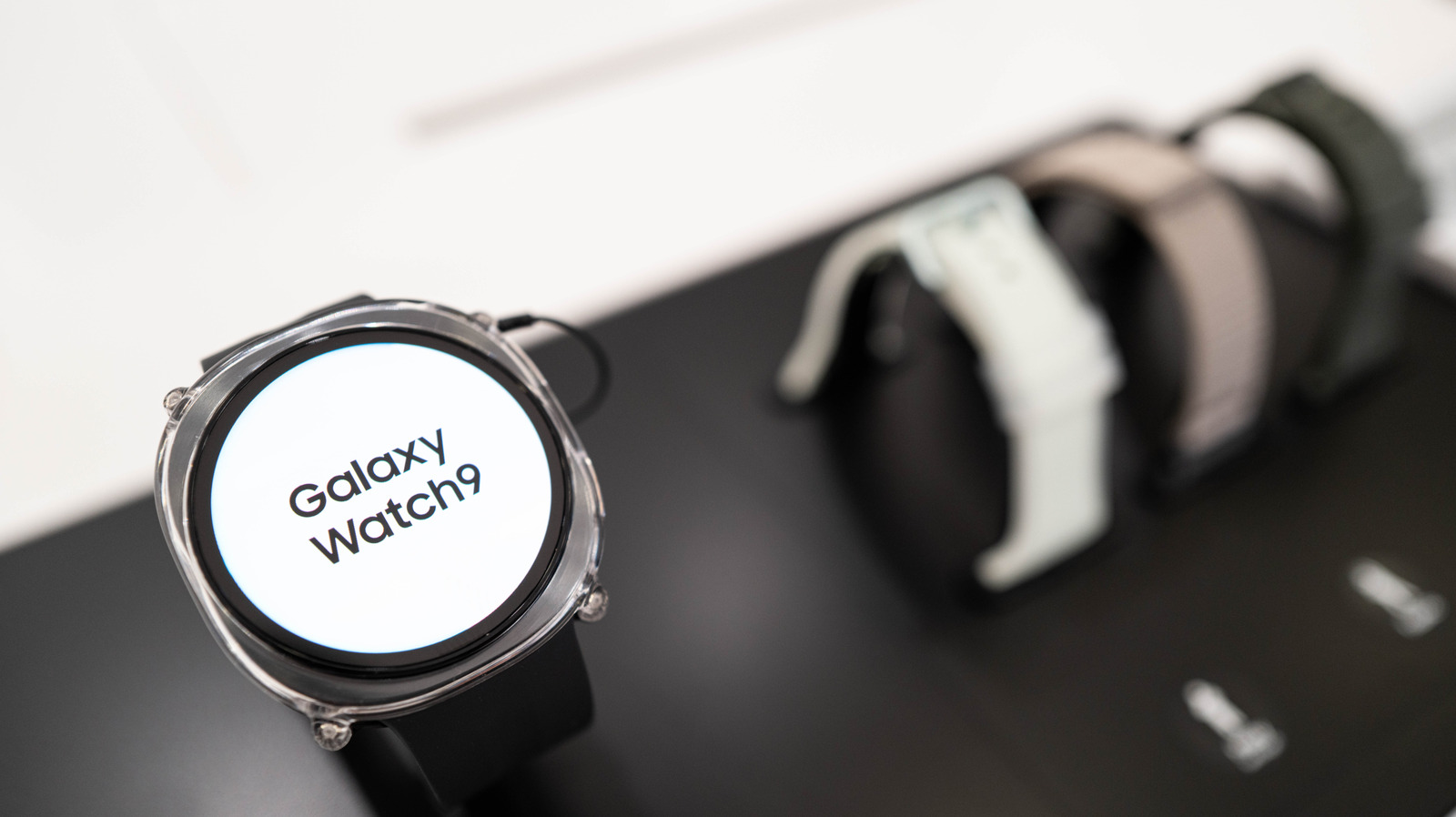
Samsung Galaxy Watch users may occasionally notice a small, persistent orange dot on the side of their watch face. While new users might mistake the indicator for a system warning or connectivity issue, it serves a standard and practical purpose within the watch interface.
The orange dot indicates that you have unread notifications waiting on your wearable. Swiping right from your main watch screen reveals the incoming alerts, messages, and app updates; clearing or reading them will make the orange icon disappear.
For users who prefer a completely clean watch face, the notification indicator can typically be customized or toggled off entirely through the companion Galaxy Wearable app settings on a paired smartphone.
Check the original reporting on Engadget for full details and step-by-step instructions.