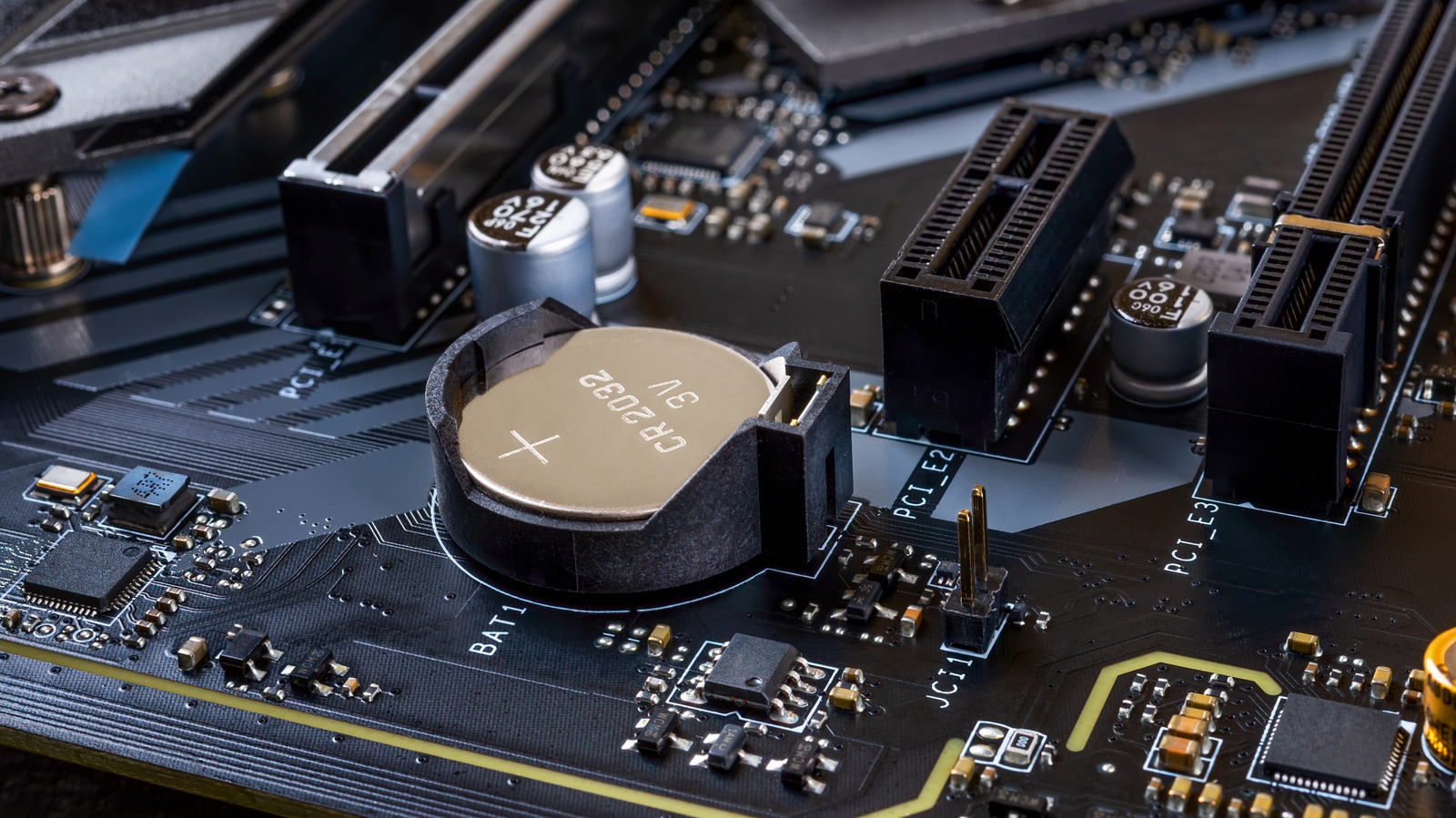
Computers rely on a small internal component known as the CMOS battery to keep essential firmware settings intact. While easily overlooked, this battery provides continuous power to the system's firmware memory, ensuring vital hardware configurations remain saved even when the device is completely powered off or disconnected from an outlet.
When a CMOS battery reaches the end of its life, systems often exhibit noticeable symptoms. Users may experience recurring clock resets where the time and date fall out of sync, custom BIOS or UEFI settings reverting to default, or specific boot errors appearing during startup. While an expired battery typically does not cause permanent damage, it can disrupt normal operation and require manual configuration prompts each time the machine powers on.
Fortunately, addressing a dead CMOS battery is a standard maintenance task for personal computers, with replacements usually restoring normal booting and configuration memory immediately.
For full details and in-depth troubleshooting steps, check the original report on Engadget.