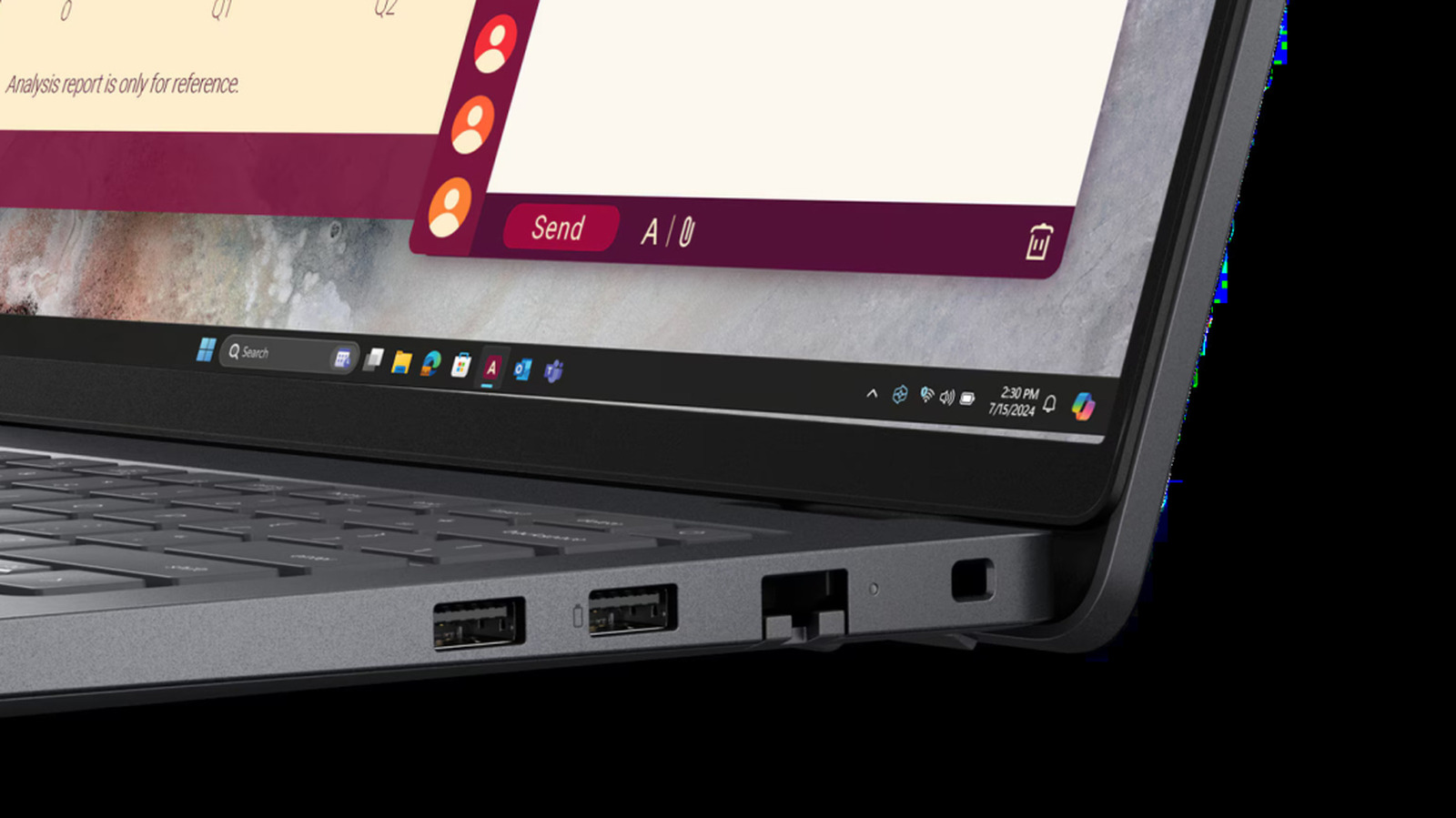
Many laptop and PC users have noticed small markings stamped beside their device's USB ports, including a tiny battery icon. While it can easily be overlooked, the symbol designates a specific and helpful hardware capability.
In most cases, the battery symbol indicates an "always-on" or "sleep-and-charge" USB port. This feature allows the port to deliver power to external gear—such as smartphones, wireless earbuds, or other mobile accessories—even when the host laptop is asleep, in standby mode, or powered down.
This setup provides a convenient way for mobile users to top up their essential devices without needing to keep their computer awake. However, using this function while away from a wall charger can draw from the laptop's own battery reserve, depending on system settings.
Check the original report on Engadget for full details.



