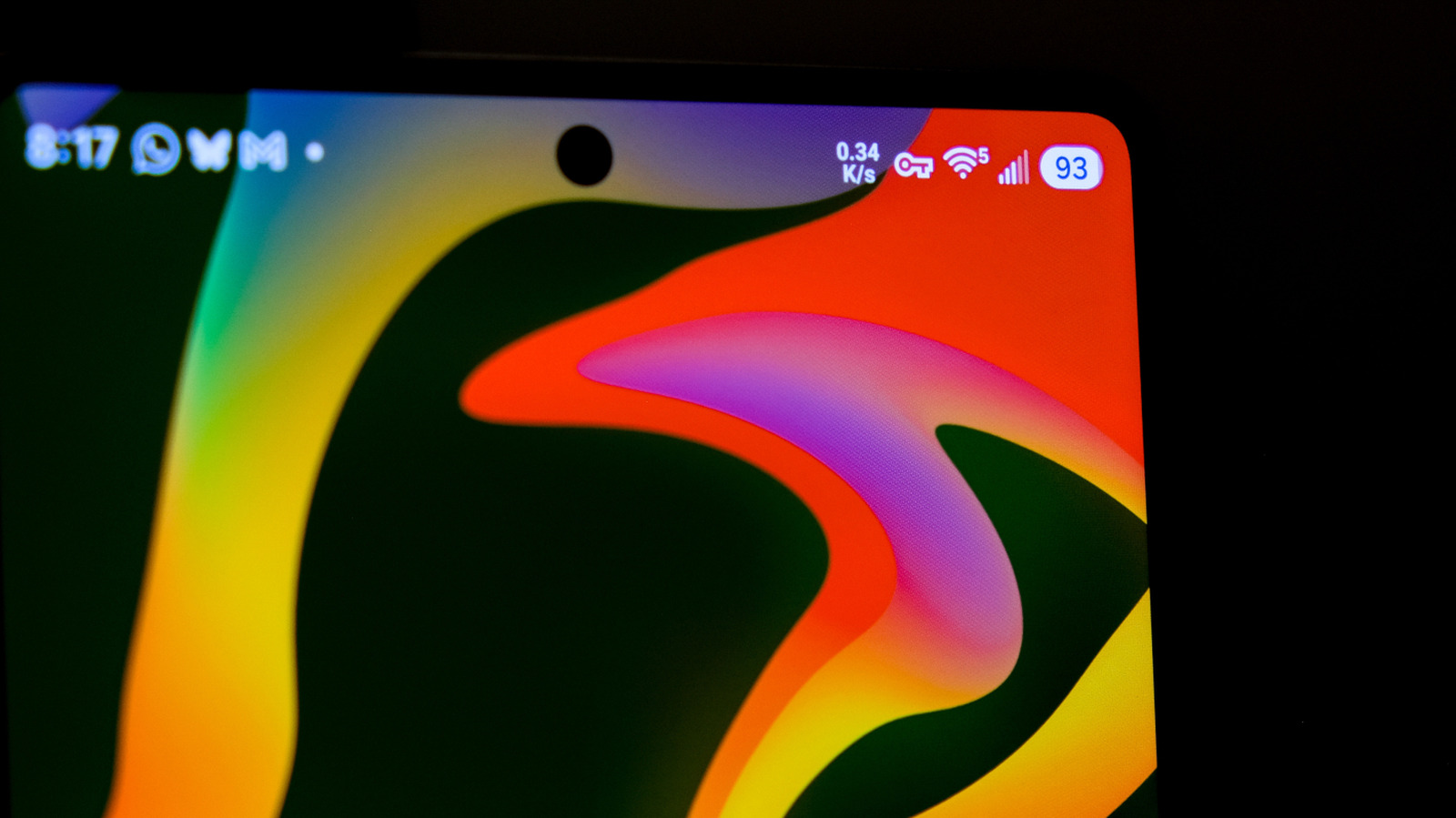
If you have ever noticed a small key symbol resting in your Android device's status bar, you might wonder what triggered the prompt. While it can initially look like a security warning or lock indicator, it serves as a straightforward notification regarding your network connection.
In standard Android software, this key icon almost always signifies that a Virtual Private Network (VPN) is active. The operating system places the persistent icon in the status bar to ensure users are aware that their web traffic is being routed through an external network tunnel or managed connection.
If you see the icon unexpectedly, you can typically inspect your active connections by checking the network and VPN menus in the Android settings app. Disconnecting the active service or stopping the responsible privacy tool will remove the key symbol from your display.
For a complete walkthrough and additional details, check the original coverage on Engadget.


