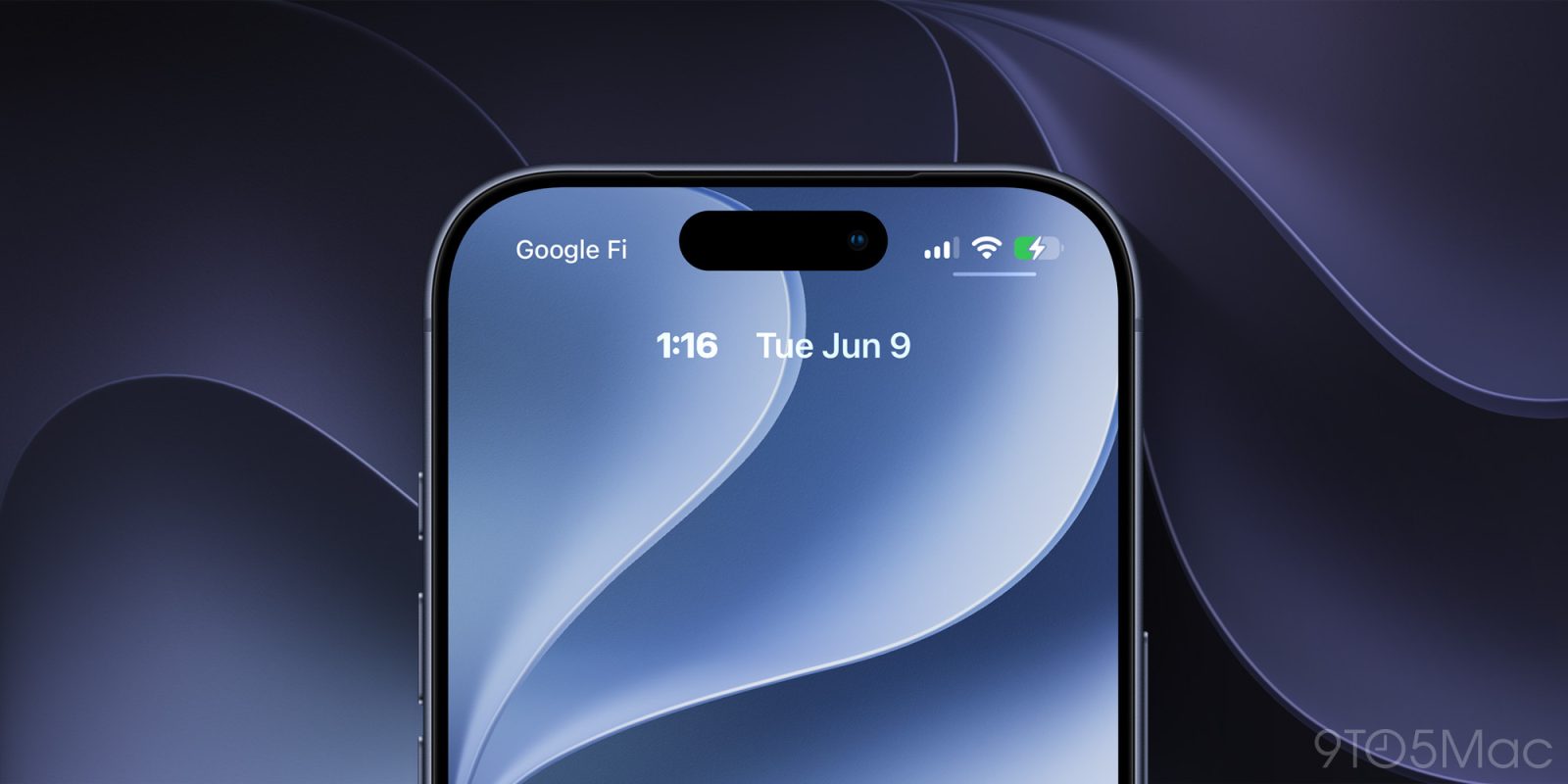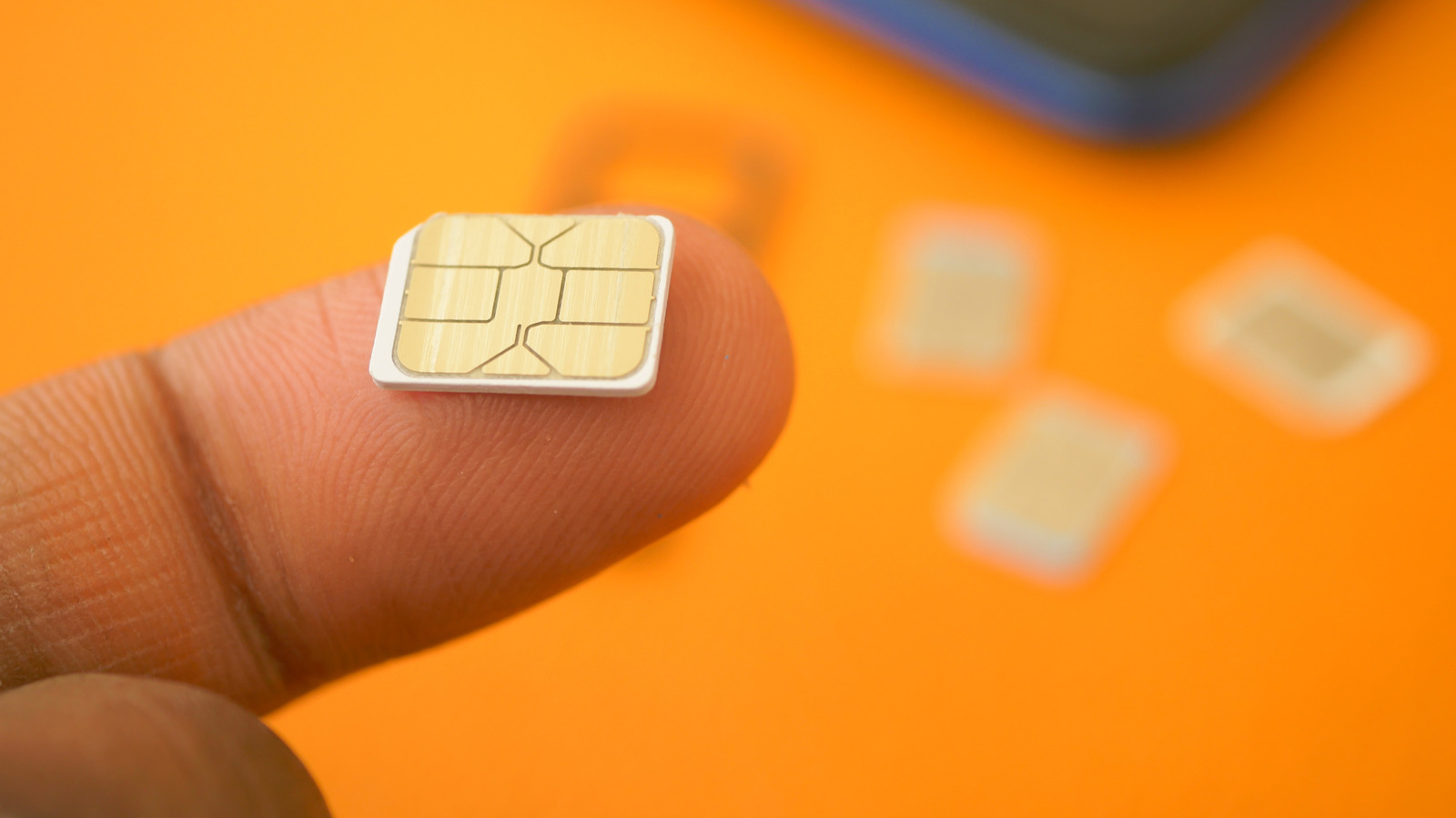
Encountering a "No Service" alert on your smartphone can be a frustrating experience, particularly when a physical SIM or active eSIM is installed. This common connectivity issue abruptly cuts users off from essential cellular calls, text messaging, and mobile data services.
Several factors can trigger this error message across both Android and iOS devices. Typical culprits range from localized network outages and carrier billing or provisioning hiccups to hardware issues, such as a damaged card, a dirty SIM tray, or temporary system-level software glitches.
Basic troubleshooting often resolves the problem, with common remedies including toggling airplane mode, restarting the device, reseating the physical SIM, or resetting network settings. If software fixes fail, the issue may stem from an inactive plan or an underlying hardware malfunction that requires carrier support.
For full details and a comprehensive walkthrough of troubleshooting steps, check the original report on Engadget.