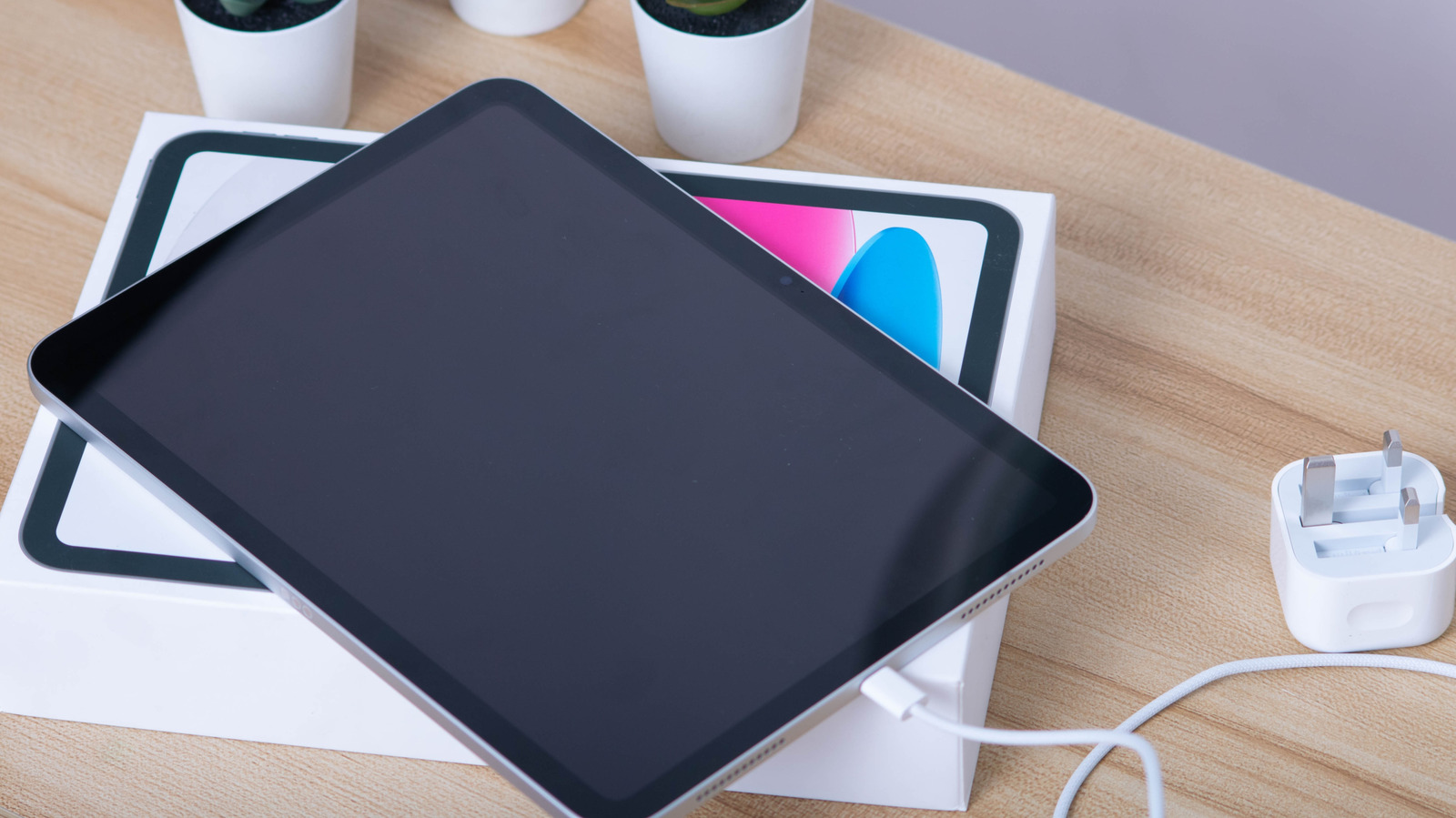
Having an iPad that refuses to charge can be a frustrating disruption, but the issue often stems from a few common, easily resolvable factors. A recent guide from Engadget breaks down the standard hardware and software hurdles that prevent Apple tablets from drawing power properly.
On the hardware side, typical culprits include damaged cables, faulty power bricks, or lint and debris compacted inside the charging port. Verifying that the charging accessories deliver adequate wattage, switching to a certified cable, and carefully inspecting the port are often the fastest ways to diagnose the breakdown.
Software glitches can also cause charging stalls. In many cases, performing a force restart or applying the latest iPadOS update clears system errors, while testing alternate wall outlets helps isolate whether the issue lies with the device or the power source.
For the full list of troubleshooting steps and detailed walkthroughs, check out the original report on Engadget.