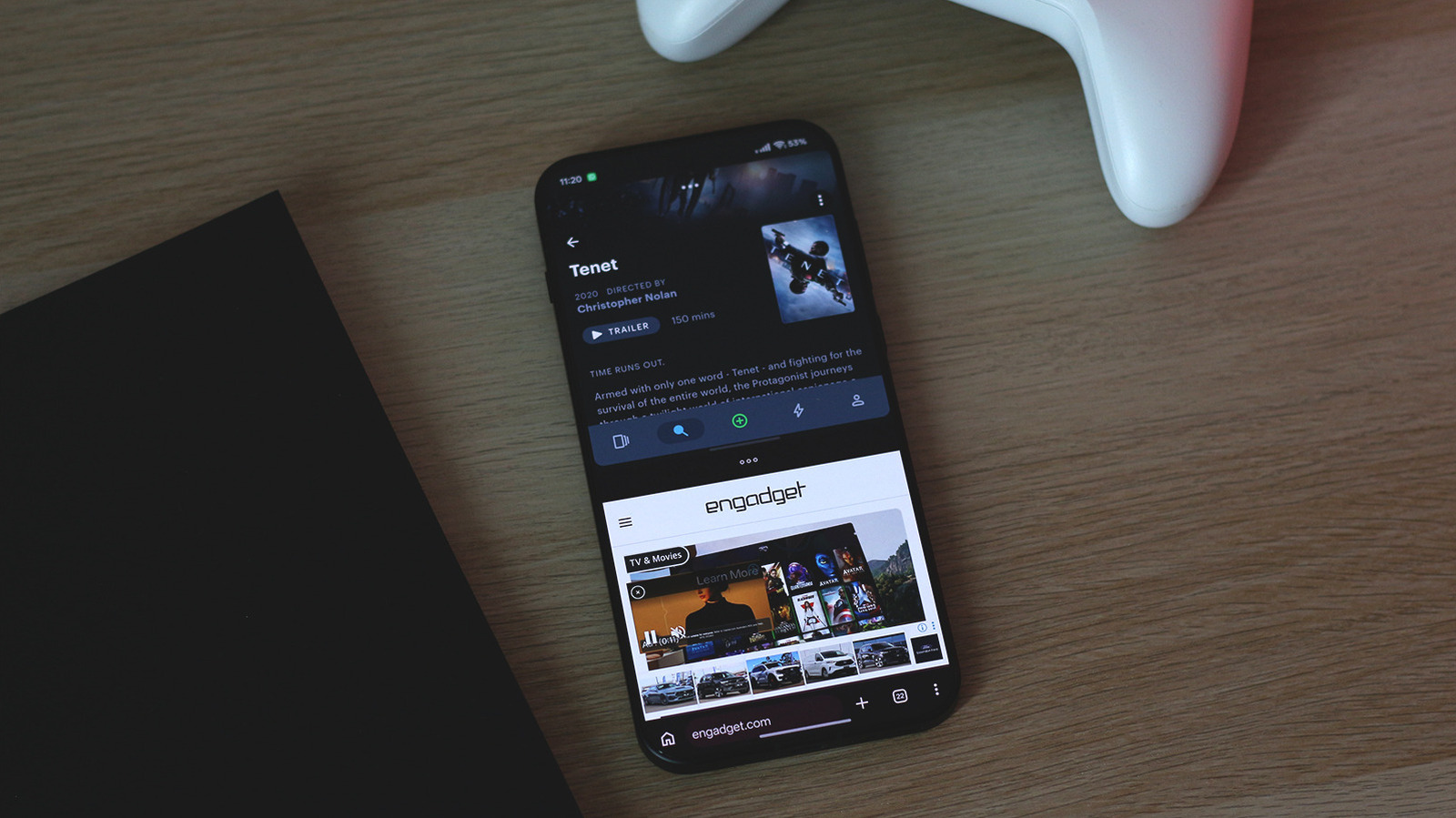
While foldable smartphones have made side-by-side multitasking a major marketing highlight, users do not need specialized hardware to run multiple apps at once. Standard slab-style Android phones have long included native support for split-screen mode.
The feature allows you to display two applications simultaneously on a single screen. This setup makes it easy to reference notes while browsing, watch a video while chatting, or copy details between apps without constantly switching tasks.
Accessing the tool typically involves opening your recent apps overview and selecting the split-screen toggle from an app's menu icon, though exact steps can vary slightly across different manufacturer interfaces.
For full details and a complete walkthrough on how to use the feature on your device, check the original coverage on Engadget.


