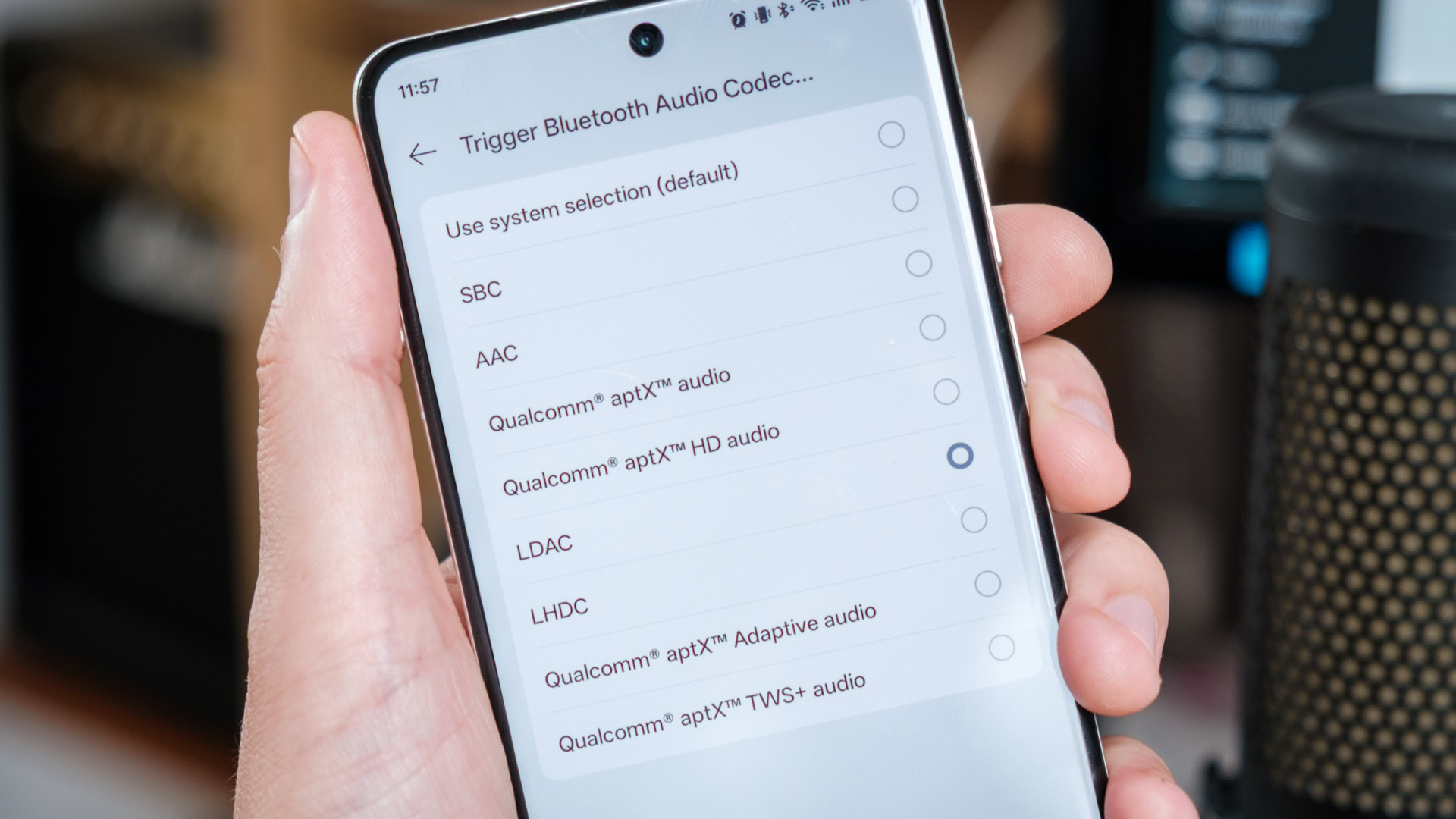
Many Android smartphone users might not be experiencing the full audio potential of their premium headphones. According to a report by Android Authority, default operating system configurations often prioritize connection stability and battery efficiency over maximum sound fidelity.
Modern wireless headphones frequently support advanced, high-resolution audio codecs, but Android devices do not always activate the highest bitrate automatically. In many instances, listeners need to manually configure settings or access developer options to enable optimal sound output.
Taking the time to unlock these hidden or optional settings can yield a noticeable improvement in audio clarity, dynamic range, and overall listening performance on compatible hardware.
For a full step-by-step walkthrough on how to adjust these settings on your device, check the original coverage on Android Authority.



