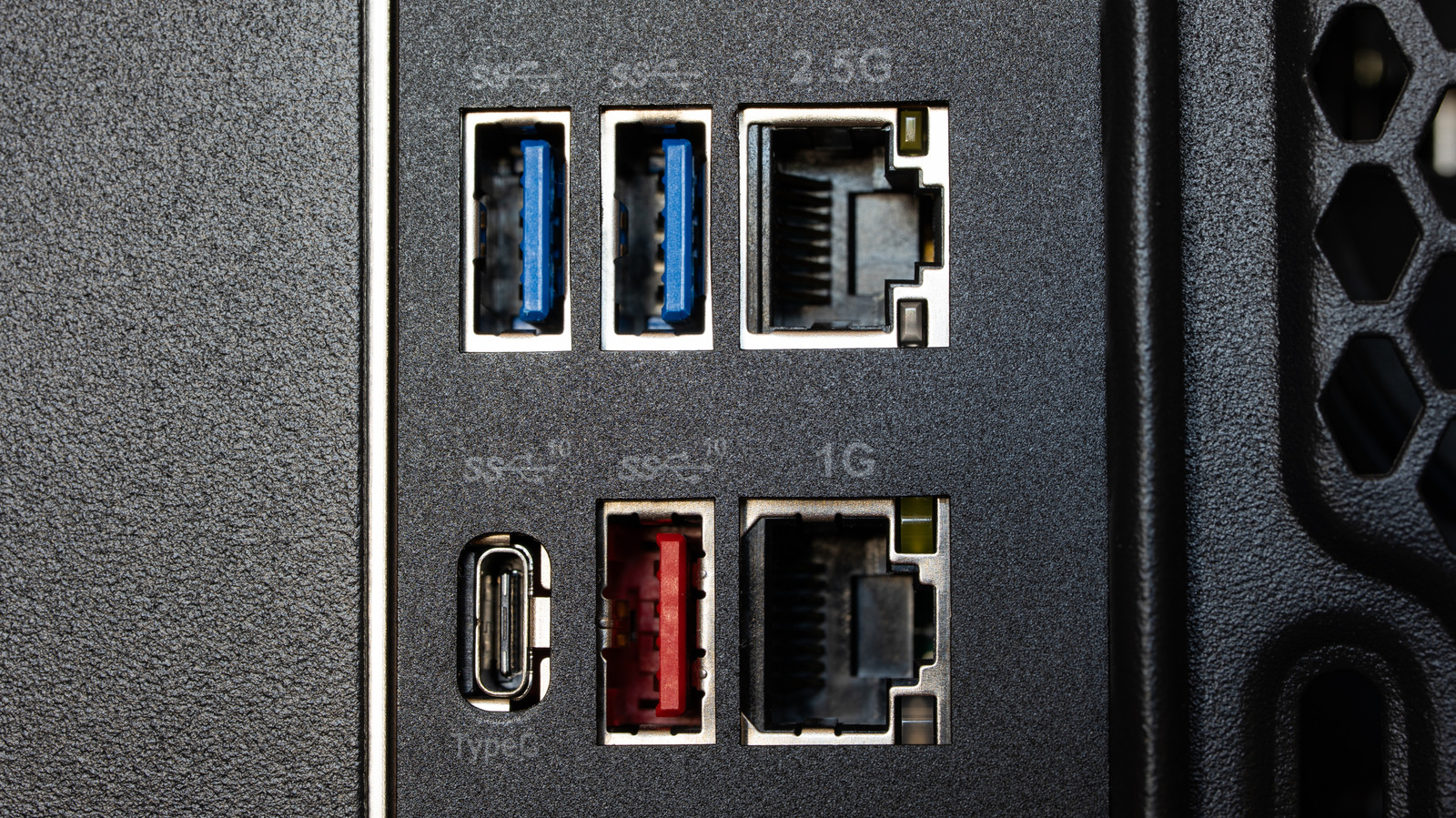
Many PC users may not realize that their laptops or desktops can charge external devices, such as smartphones, even when the computer is completely powered off. This convenient feature effectively turns your PC into a dedicated charging hub or makeshift power bank when wall outlets are occupied or out of reach.
Taking advantage of this functionality typically involves identifying specific "always-on" USB ports on your hardware, which are often designated by battery or lightning bolt symbols. Depending on the machine, users may need to toggle specific power management settings in the operating system or enable the feature directly within the computer's BIOS or UEFI menus.
While this provides an easy way to top up your mobile devices, charging speeds and power delivery can vary depending on the port configuration and machine type. Laptop users should also keep in mind that powering accessories while unplugged will draw from the computer's own battery reserve.
For a complete step-by-step walkthrough and configuration details, check the original guide on Engadget.